How to Extract Images from PDF Online Without Losing Quality (2026 Guide)
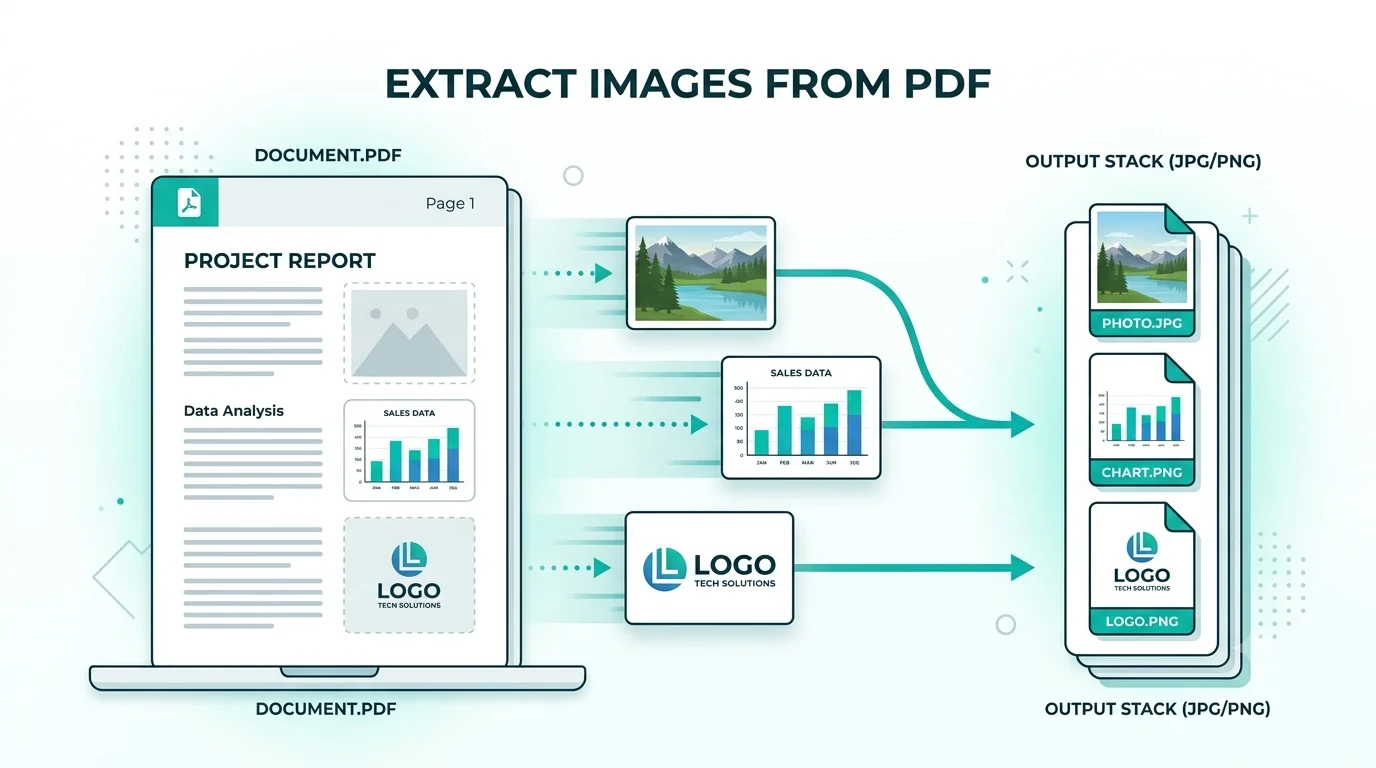
PDFs often contain valuable images — product photos, scanned graphics, diagrams, or illustrations — that you may need to reuse elsewhere. But most people don't know how to pull these images out without taking a screenshot, which always reduces quality. This guide shows you how to extract every image from a PDF at its original resolution, for free.
Why Extract Images from a PDF?
- Reuse product photos or graphics in a presentation or website
- Save diagrams or charts from a report or research paper
- Recover original photos from a scanned document
- Build an image library from a design portfolio PDF
Why Screenshots Are a Bad Idea
Taking a screenshot of a PDF page captures your screen resolution, not the image's actual resolution. This means a 3000×2000px photo embedded in a PDF gets reduced to whatever your monitor can display — often losing 70–80% of the original detail. Extracting the image directly keeps it at full quality.
How to Extract Images from PDF Using WebAuzar
- Open the Extract Images from PDF tool on WebAuzar
- Upload your PDF file
- The tool scans every page and detects embedded images automatically
- Select the images you want, or extract all at once
- Download individual images or a ZIP file with everything
What Image Formats Can You Get?
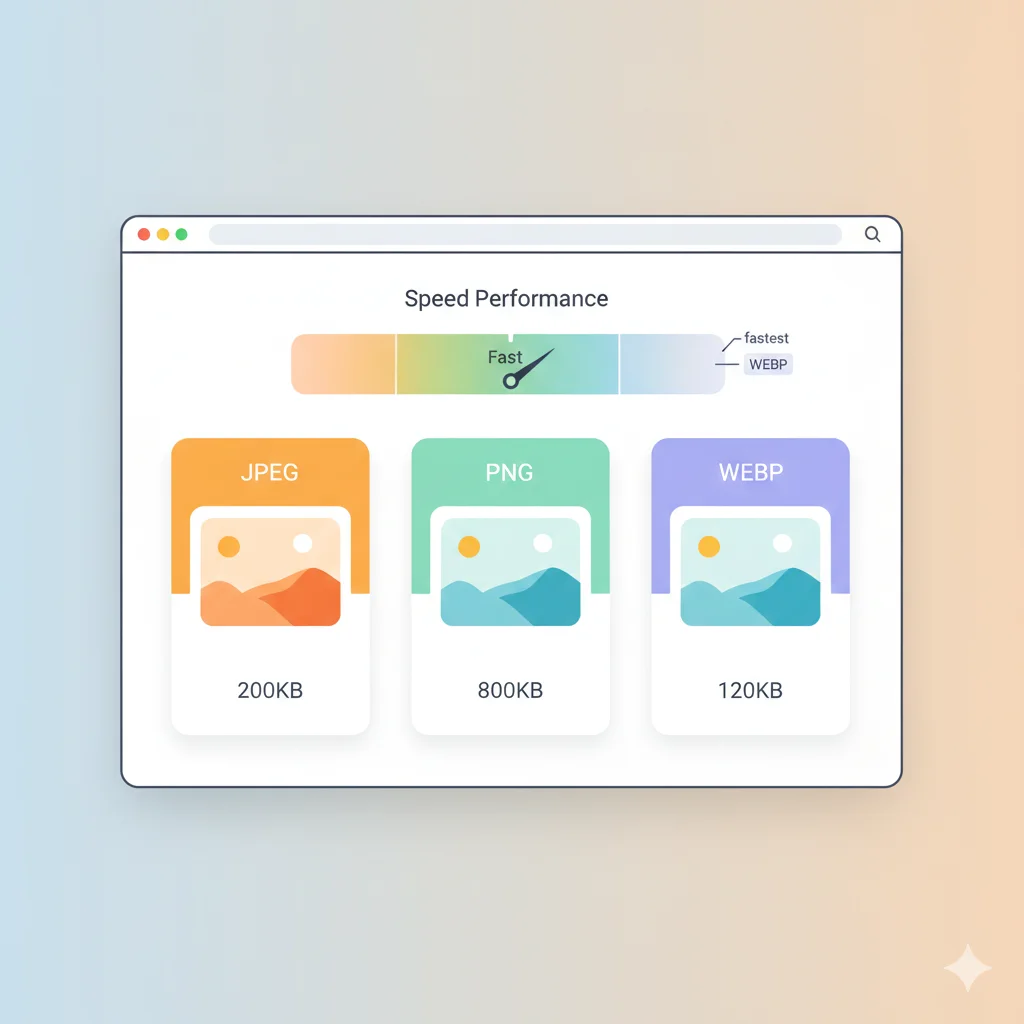
Most PDFs embed images as JPG or PNG internally. WebAuzar preserves the original format whenever possible, so photos come out as JPG and graphics or logos with transparency come out as PNG.
- JPG — extracted from photographs and scanned pages
- PNG — extracted from graphics, logos, and diagrams with transparency
Is It Safe to Extract Images This Way?
Yes. Files are processed securely and deleted automatically after extraction. No images or documents are stored on any server, and nothing is shared with third parties.
Common Use Cases
- Designers pulling assets from a client's brand guideline PDF
- Students saving diagrams from lecture slides exported as PDF
- Businesses recovering product photos from an old catalog PDF
- Researchers extracting charts and figures from academic papers
What If the PDF Is a Scanned Document?
If your entire PDF is a scanned image (common with old documents), the whole page is usually one large image. In this case, extracting will give you the full scanned page as a single high-resolution image rather than separate smaller images.
After Extracting: Optimize Your Images
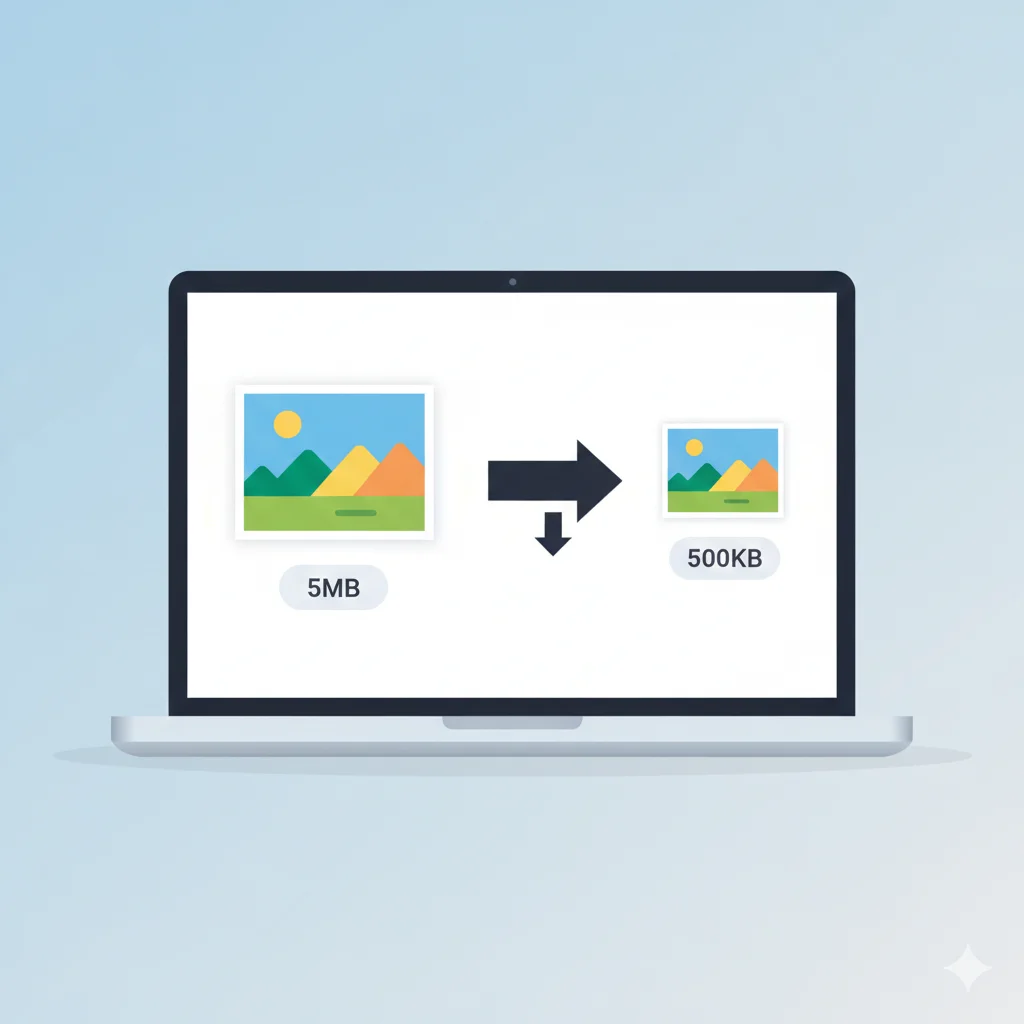
Once you have your images, you may want to resize or compress them depending on where you plan to use them:
- Compress Image — reduce file size for web or email
- Resize Image — fit a specific dimension requirement
- PNG to JPG Converter — shrink file size further for photos
Related Tools
Conclusion
Extracting images from a PDF doesn't need to mean settling for blurry screenshots. With WebAuzar's free Extract Images from PDF tool, you get every embedded image at its original quality, ready to reuse — all without installing any software or creating an account.