How to Reduce Image Size for Email Attachments (Under 1MB Guide)
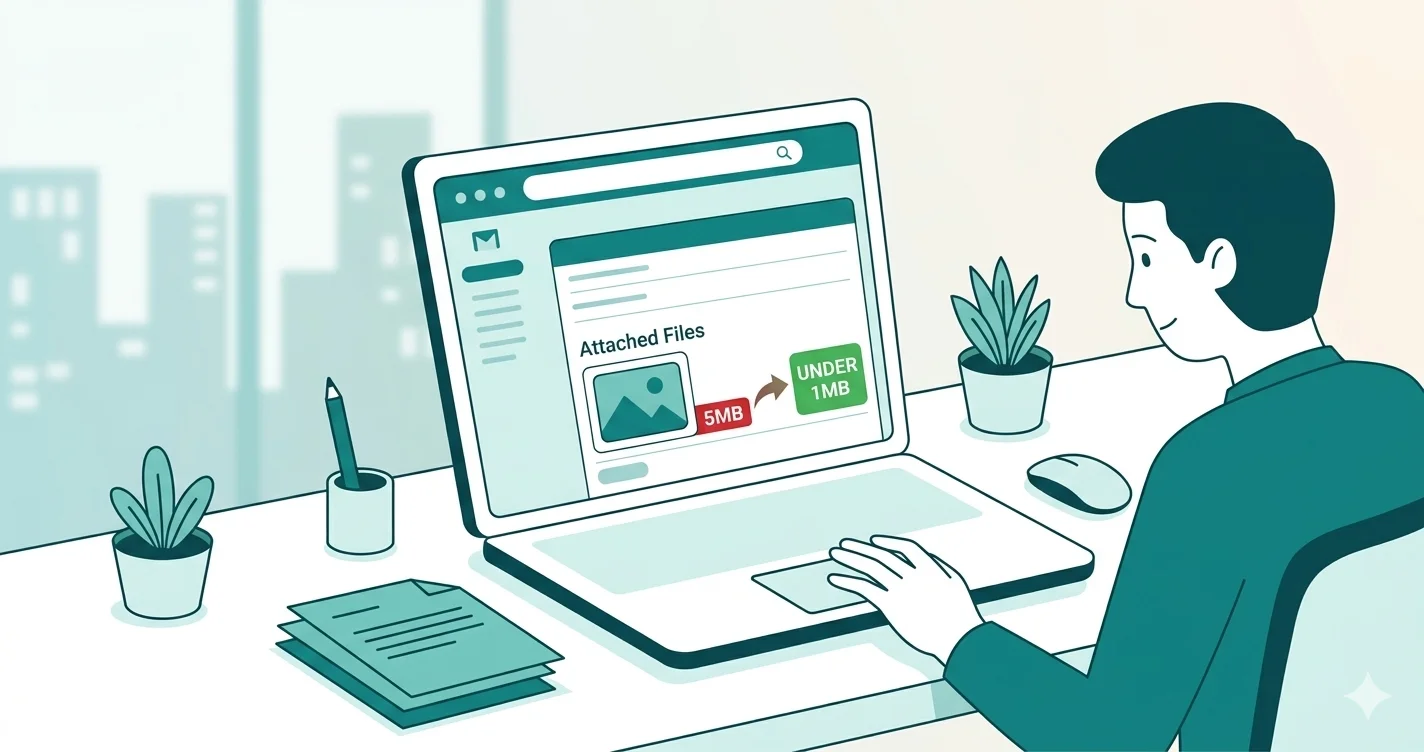
Have you ever tried to send a photo by email only to get an error saying the file is too large? You are not alone. Gmail has a 25MB attachment limit, Outlook allows 20MB, and many company email servers reject anything over 10MB. Knowing how to reduce image size for email can save you time and frustration every single day.
Why Are Image Files So Large?
Modern smartphones and cameras capture images at very high resolutions — sometimes 12MP, 48MP, or even 108MP. A single photo from your phone can easily be 5MB to 15MB. When you attach multiple photos to an email, the total size can quickly exceed the limit.
- Smartphone photos: 3MB – 12MB each
- DSLR camera photos: 8MB – 25MB each
- Screenshots: 500KB – 3MB depending on resolution
- PNG graphics: 1MB – 10MB depending on size
Email Attachment Size Limits by Provider
| Email Provider | Attachment Limit | Recommended Image Size |
|---|---|---|
| Gmail | 25MB total | Under 1MB per image |
| Outlook / Hotmail | 20MB total | Under 1MB per image |
| Yahoo Mail | 25MB total | Under 1MB per image |
| Corporate / Work Email | 5MB – 10MB total | Under 500KB per image |
3 Ways to Reduce Image Size for Email
Method 1 — Compress the Image
Compression reduces file size by optimizing pixel data without visibly affecting quality. This is the fastest and easiest method.
- Open the free image compressor on WebAuzar
- Upload your JPG, PNG or WebP image
- Choose the Balanced preset (80% quality) for email use
- Click Compress and download the smaller file
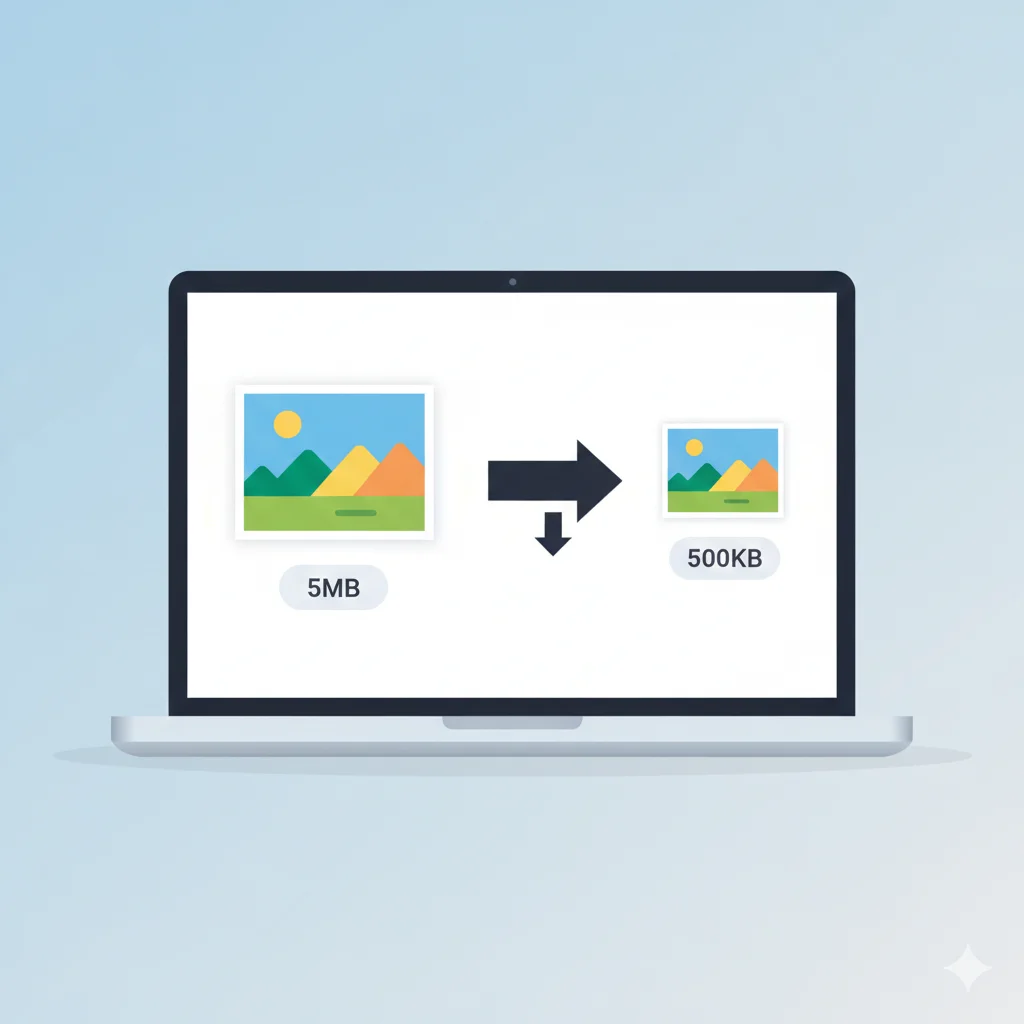
A 5MB photo compressed at 80% quality typically becomes 500KB – 800KB with no visible difference to the human eye.
Method 2 — Resize the Image
If your photo is 4000×3000 pixels, it is far larger than anyone needs to view in an email. Resizing to 1280×960 or smaller dramatically reduces file size.
- Open the free image resizer on WebAuzar
- Upload your image
- Set width to 1280px with aspect ratio locked
- Download the resized image
Resizing from 4000px to 1280px width reduces file size by roughly 90% before any compression is applied.
Method 3 — Convert to a Smaller Format
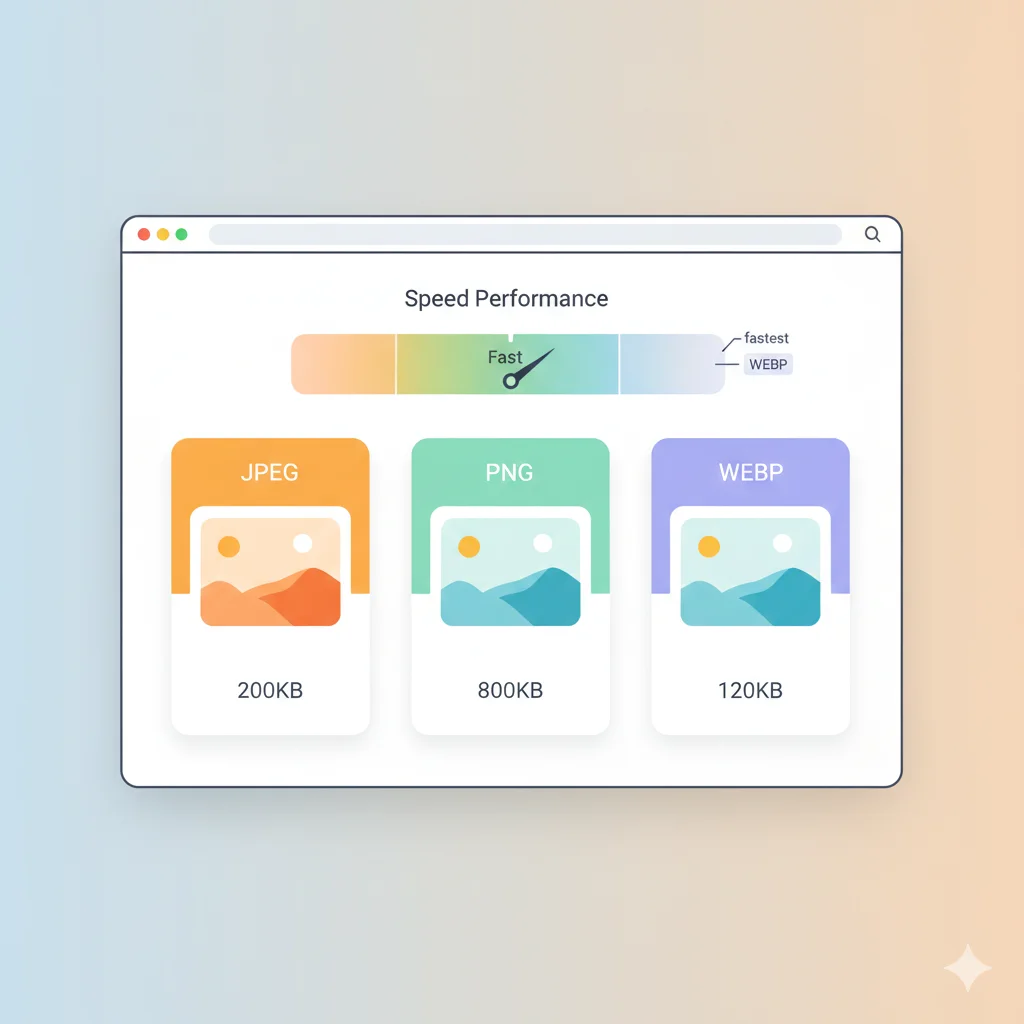
PNG files are significantly larger than JPG at the same dimensions. If you are sending a PNG photo, converting it to JPG or WebP can cut the file size by 60–80%.
- Convert PNG to JPG — best for photos
- Convert JPG to WebP — smallest file size
What is the Ideal Image Size for Email?
For email attachments, follow these guidelines:
- Under 1MB per image — safe for all email providers
- Under 500KB per image — best for corporate email servers
- Maximum width 1280px — more than enough for viewing on any screen
- JPG format at 80% quality — ideal balance of quality and size
How to Send Multiple Photos by Email
When sending multiple images, batch compression saves time. WebAuzar supports bulk compression — upload all your photos at once, compress them together, and download everything as a single ZIP file.
- Open Compress Image on WebAuzar
- Upload all photos at once
- Set quality to 80% (Balanced preset)
- Click Compress All and download ZIP
- Extract ZIP and attach the compressed photos to your email
Tips for Sending Images Professionally
- Always compress before sending — even if the file appears small
- Use JPG for photographs, PNG only for logos or transparent graphics
- If sending more than 5 images, use Google Drive or WeTransfer instead
- Mention the number of attachments in your email body so the recipient knows what to expect
Does Compressing an Image Reduce Quality?
At 70–85% quality, compression is nearly invisible to the human eye. The difference between a 5MB original and an 800KB compressed version is only noticeable when zoomed in at 100% on a large monitor. For email viewing on a laptop or phone screen, the quality looks identical.
Conclusion
Reducing image size for email is simple once you know the right approach. Compress your photos to under 1MB, resize large images to 1280px wide, and convert PNGs to JPG when transparency is not needed. All of this can be done for free on WebAuzar without installing any software.