JPEG vs WebP: Why You Should Switch to the Modern Image Format
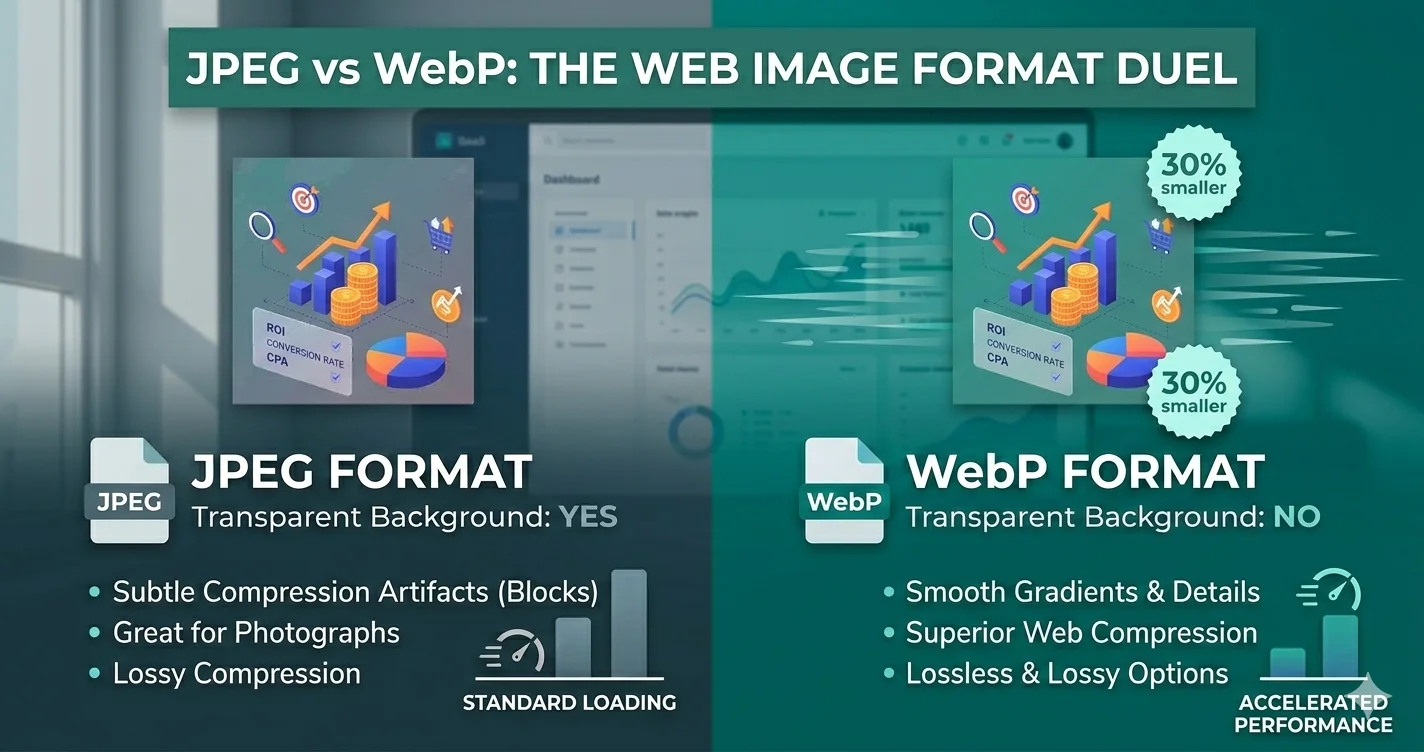
WebP is a modern image format developed by Google that promises better compression and quality than JPEG. But is it really better? Should you switch all your website images to WebP? Let's dive deep into the comparison.
What is WebP?
WebP is an image format that provides lossless and lossy compression for images on the web. It was first released in 2010 and has since gained support in all major browsers, including Chrome, Firefox, Edge, and Safari.
JPEG vs WebP: Head-to-Head Comparison
| Feature | JPEG | WebP |
|---|---|---|
| File Size (at same quality) | Baseline | 25-35% smaller |
| Quality at same file size | Good | Significantly better |
| Transparency | ❌ No | ✅ Yes |
| Animation Support | ❌ No | ✅ Yes (animated WebP) |
| Lossless Compression | ❌ No | ✅ Yes |
| Browser Support | 100% | 96% (all modern browsers) |
File Size Comparison
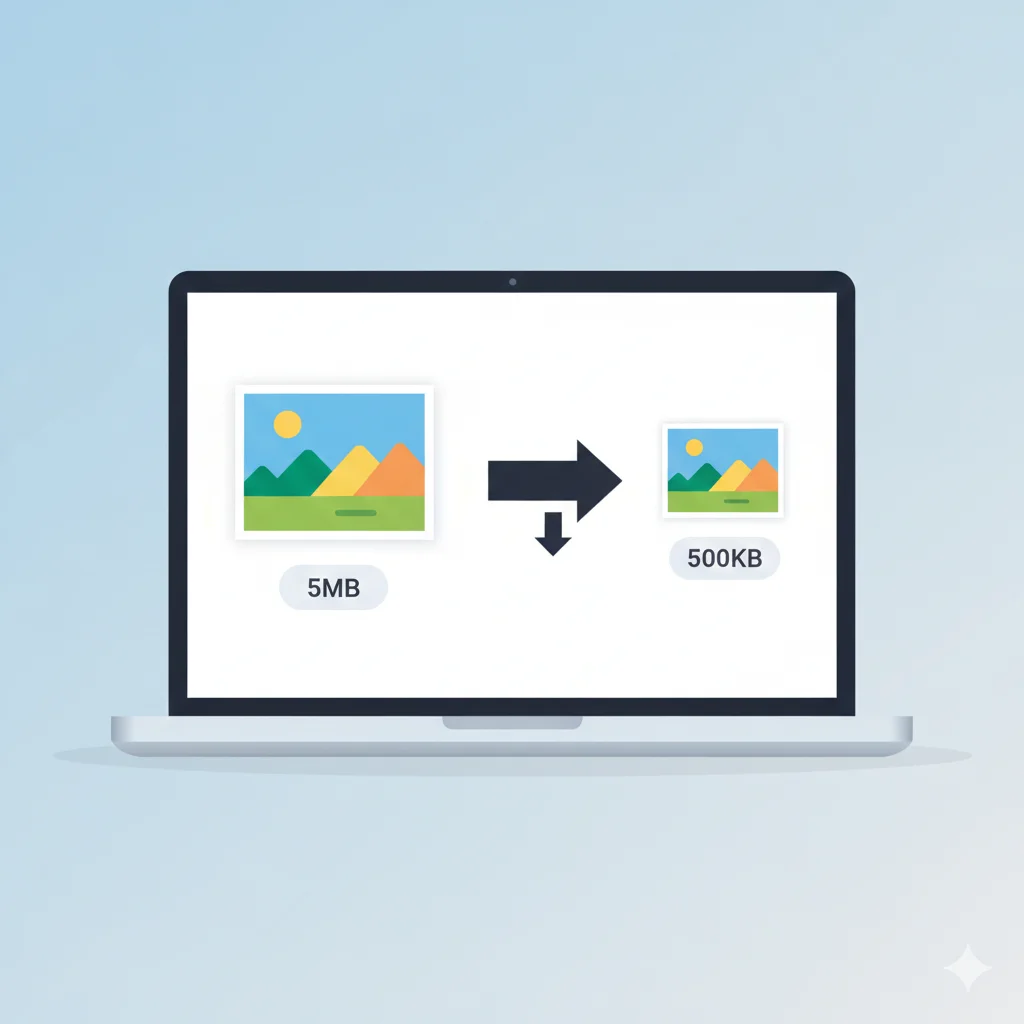
The most compelling reason to switch to WebP is the dramatic reduction in file size:
- Lossy WebP is 25-35% smaller than JPEG at equivalent quality
- Lossless WebP is 25-35% smaller than PNG
- For photographic images, WebP at 80% quality often looks better than JPEG at 90% quality
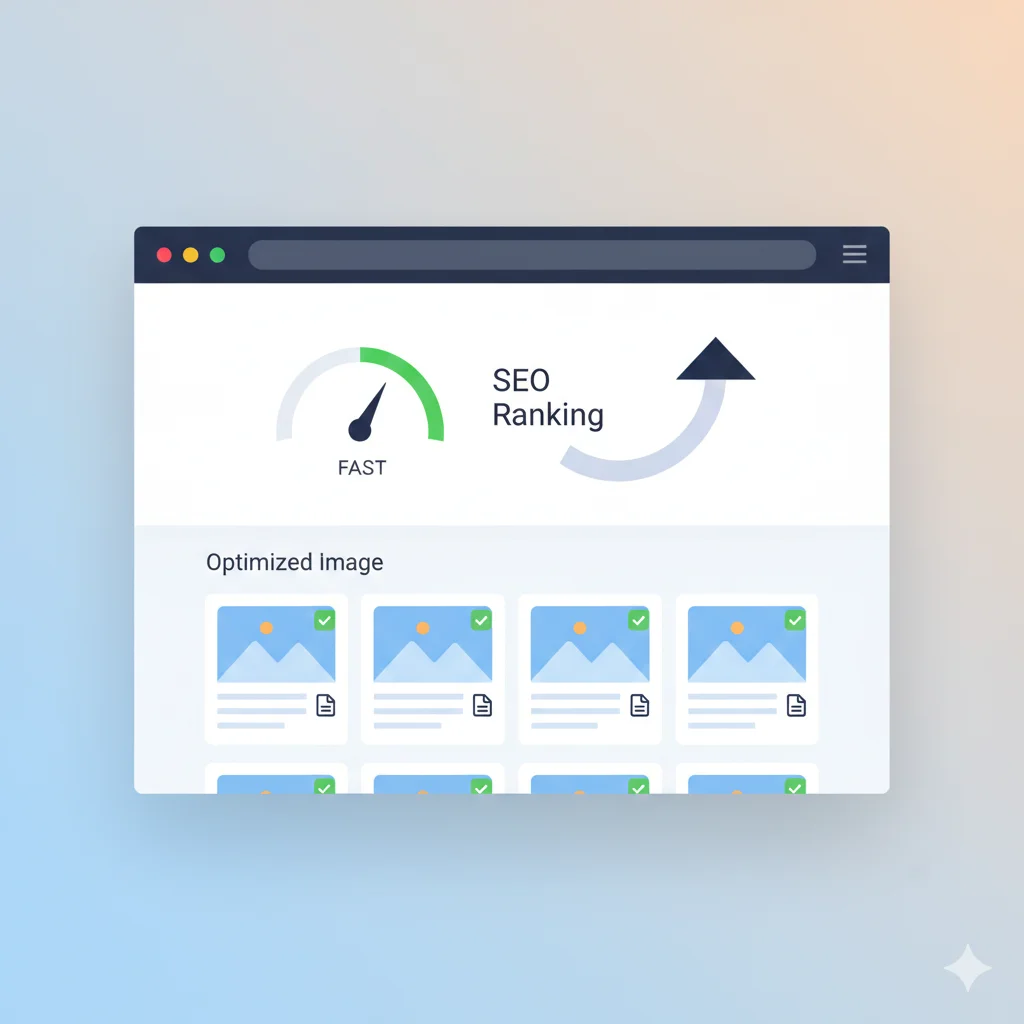
This means you can serve higher quality images that load faster, improving both user experience and Core Web Vitals scores.
Quality Comparison
WebP uses advanced compression algorithms that produce fewer artifacts than JPEG, especially at lower quality settings. Here's what you need to know:
- Fewer blocking artifacts - WebP maintains smoother gradients
- Better text rendering - Sharper edges for text in images
- Preserved details - More detail retained in shadows and highlights
- No color banding - Smoother color transitions
Additional Features
Beyond better compression, WebP offers features that JPEG simply can't match:
1. Transparency (Alpha Channel)
Unlike JPEG, WebP supports transparency. This means you can use WebP for logos and graphics that need transparent backgrounds, replacing both JPEG and PNG in many cases.
2. Animation
Animated WebP files can replace GIFs with much smaller file sizes. An animated WebP is often 60-80% smaller than an equivalent GIF.
3. Lossless and Lossy in One Format
WebP supports both lossless and lossy compression, making it versatile for any type of image.
Browser Support
WebP is supported by:
- Chrome (desktop and Android) - since 2010
- Firefox - since 2019
- Edge - since 2018
- Safari - since 2020 (Safari 14+)
- Opera, Brave, and all Chromium-based browsers
That's over 96% of global browser usage. For the remaining 4%, you should provide JPEG/PNG fallbacks using the <picture> element.
How to Convert JPEG to WebP
Converting your existing JPEG images to WebP is easy with our free tools:
- Visit our JPG to WebP converter
- Upload your JPEG images (single or batch)
- Adjust quality settings if needed
- Download your optimized WebP files
For bulk conversion, try our image compressorwhich can convert multiple files at once.
Implementing WebP on Your Website
To serve WebP with fallbacks, use the <picture> element:
<picture>
  <source srcset="image.webp" type="image/webp">
  <img src="image.jpg" alt="Description">
</picture>
This tells browsers that support WebP to load the WebP version, while others fall back to JPEG.
Performance Impact
Switching to WebP can dramatically improve your website's performance:
- 30% average file size reduction - Faster page loads
- Improved LCP scores - Largest images load faster
- Reduced bandwidth costs - Less data transferred
- Better mobile experience - Essential for slow connections
Conclusion: Should You Switch to WebP?
Yes, absolutely. The benefits of WebP far outweigh any concerns:
- ✅ Smaller file sizes = faster websites
- ✅ Better quality at same size
- ✅ Transparency support (replaces PNG)
- ✅ Animation support (replaces GIF)
- ✅ Excellent browser support (96%+)
- ✅ Easy to implement with fallbacks
Start converting your images to WebP today with our free converter. Your users (and your SEO rankings) will thank you!