PNG to WebP: Why You Should Convert Your Images for Faster Websites
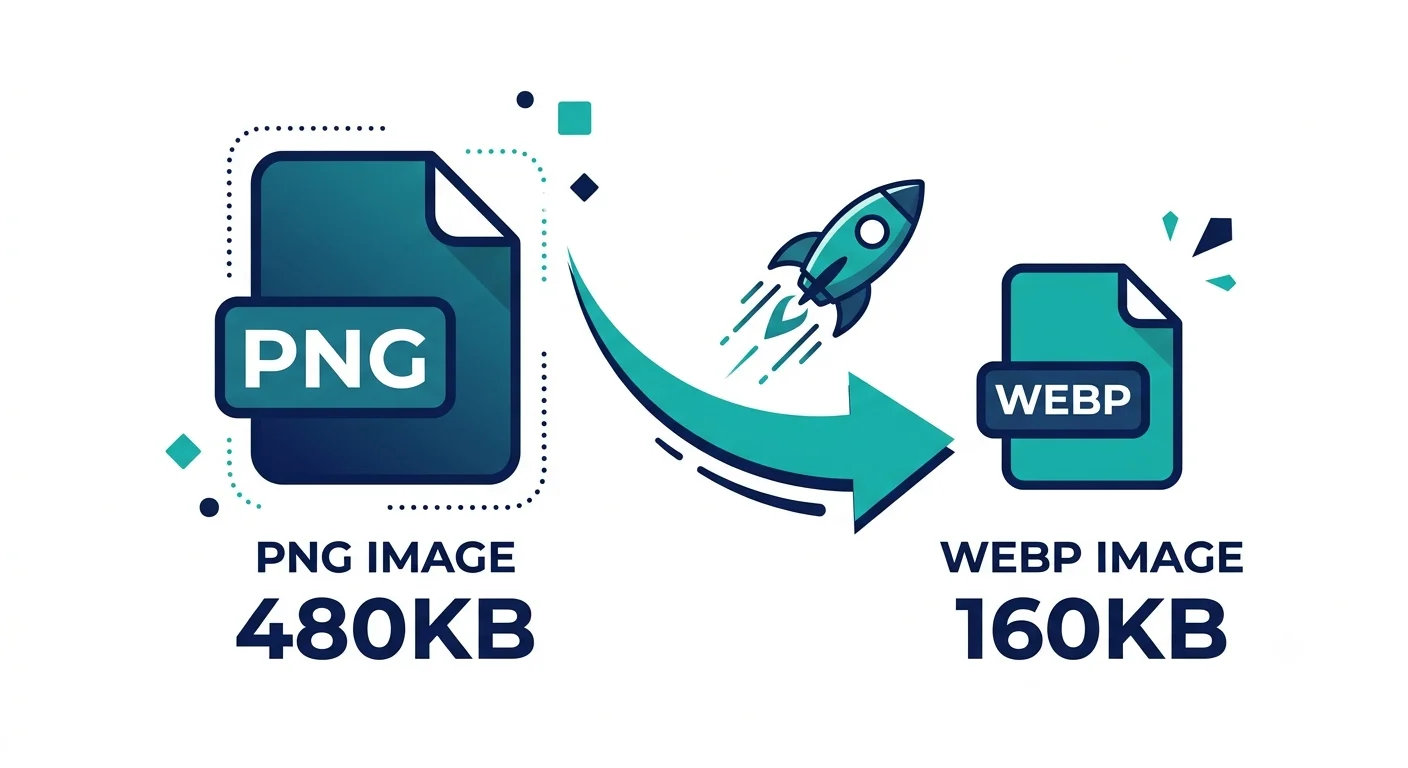
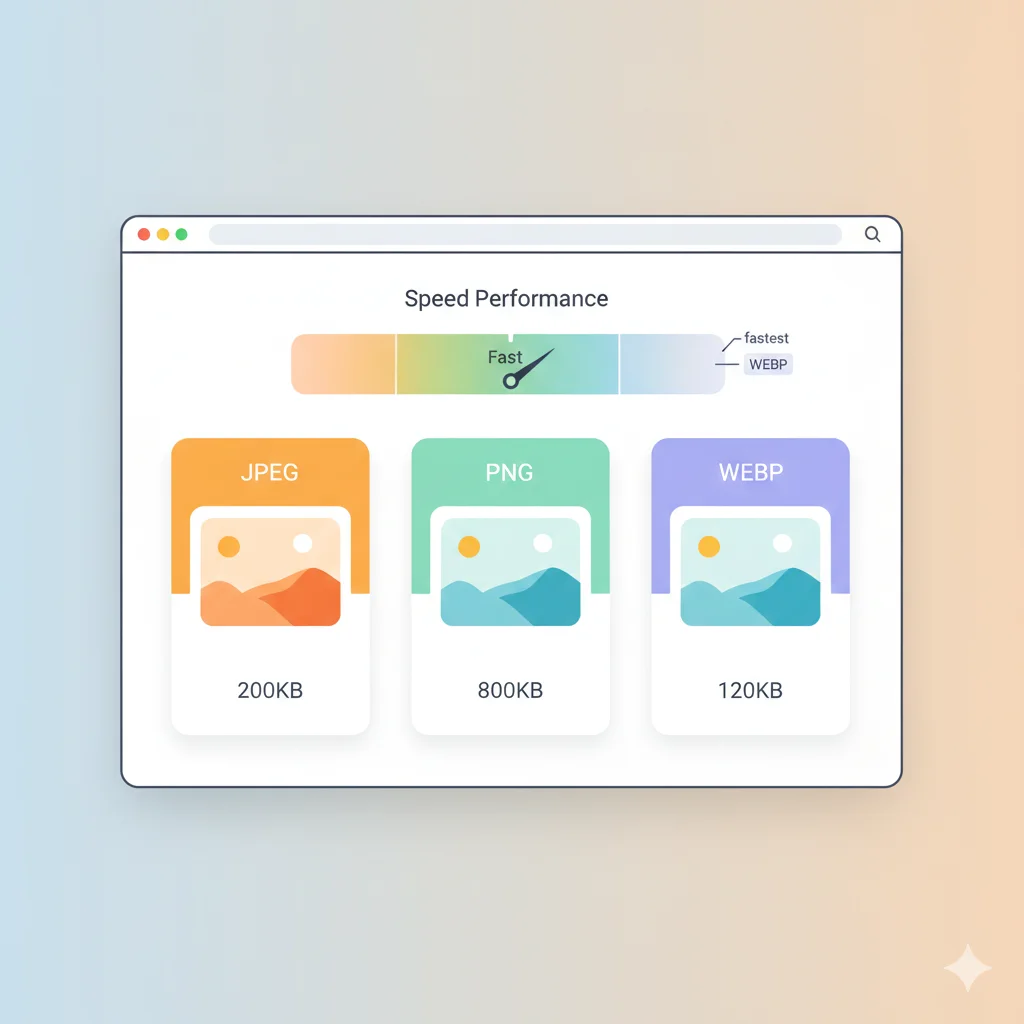
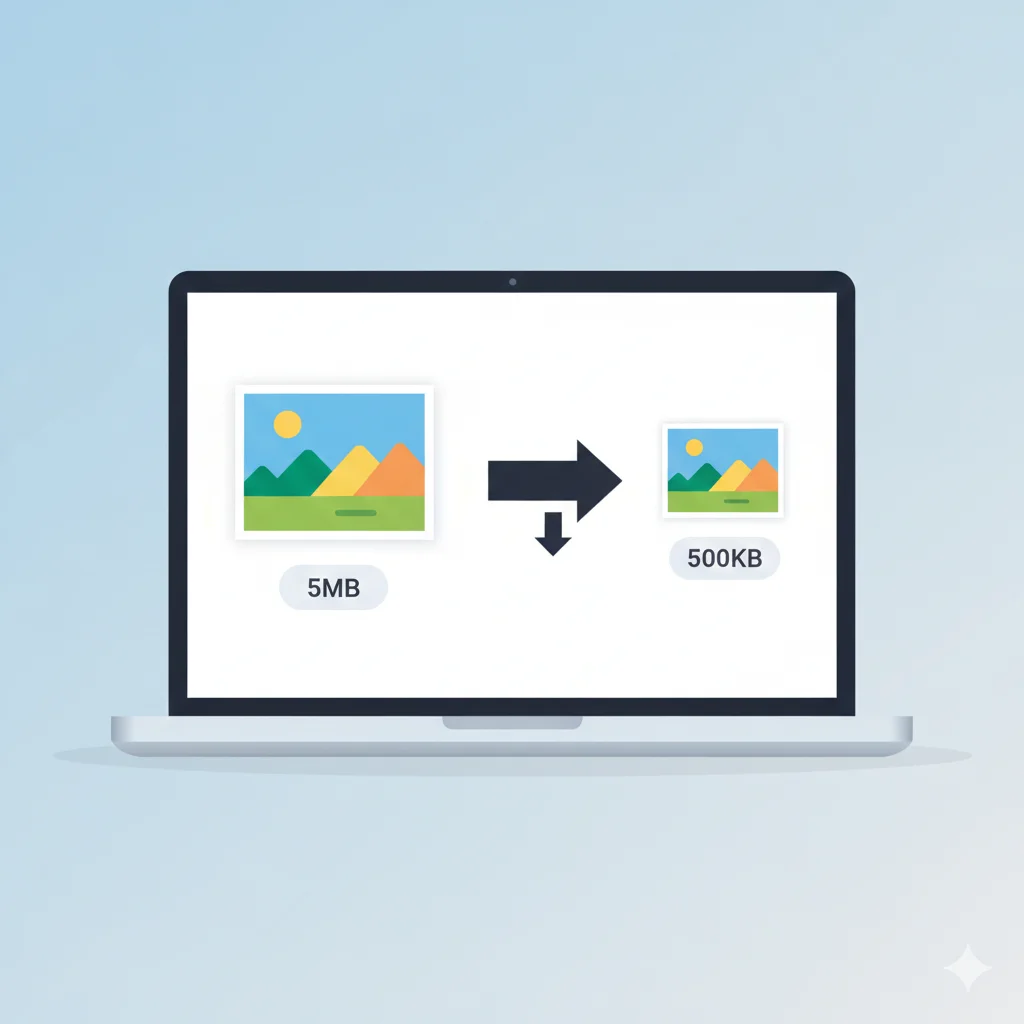
If your website relies heavily on PNG images — logos, screenshots, graphics, or icons — you're likely serving files far larger than they need to be. Converting PNG to WebP can shrink those files by 25–35% without any visible loss in quality, directly improving your page speed and search rankings.
Why Convert PNG to WebP?
- Smaller file sizes without visible quality loss
- Faster page load times and better Core Web Vitals scores
- Full support for transparency, just like PNG
- Better search engine rankings due to improved page speed
PNG vs WebP: Side-by-Side Comparison
| Feature | PNG | WebP |
|---|---|---|
| Compression | Lossless only | Lossless and lossy |
| Transparency | ✅ Yes | ✅ Yes |
| File Size | Baseline | 25–35% smaller |
| Animation | ❌ No | ✅ Yes |
| Browser Support | 100% | 96%+ |
How Much Smaller Are WebP Files?
Independent tests and Google's own benchmarks consistently show lossless WebP files are around 26% smaller than equivalent PNGs, while looking pixel-for-pixel identical. For a website using dozens of PNG icons and graphics, this adds up to a meaningful reduction in total page weight.
Impact on Website Speed and SEO
- Faster Largest Contentful Paint (LCP) — smaller images load sooner
- Lower bandwidth costs — less data transferred per page view
- Better mobile experience — especially on slower connections
- Improved search rankings — page speed is a confirmed Google ranking factor
How to Convert PNG to WebP Using WebAuzar
- Open the PNG to WebP converter on WebAuzar
- Upload your PNG file (or multiple files at once)
- Choose lossless or lossy compression
- Download your optimized WebP files
Should You Keep a PNG Fallback?
WebP is supported by over 96% of browsers, but it's still good practice to provide a fallback for the small percentage that don't support it. Use the <picture> element:
<picture>
  <source srcset="image.webp" type="image/webp">
  <img src="image.png" alt="Description">
</picture>
When to Keep PNG Instead
- Print or professional design software that doesn't support WebP
- Older CMS platforms without WebP plugin support
- Legacy systems that require universal format compatibility
Batch Converting Multiple PNGs
If you have a whole folder of PNG graphics to convert, WebAuzar supports batch conversion — upload all your files at once and download everything as a single ZIP.
Related Tools
Conclusion
Converting PNG to WebP is one of the easiest wins for website performance. You keep the transparency and quality you rely on with PNG, while cutting file size by roughly a third — a change your users and your search rankings will both notice.