
Loading...
Loading...
Convert WebP to JPG online free with our fast and easy image converter tool. Ensure maximum compatibility across devices, apps, and platforms. Batch convert multiple WebP images, download as ZIP, and use anywhere instantly. Secure, private and processed locally in your browser — no signup required.
Drag & drop or click to select WebP files
Rate this tool
2 average · 1 rating
WebAuzar is a free online WebP to JPG converter that switches your images to the most widely supported image format without installing software. Convert WebP images for sharing, printing, older devices, and platforms that don't accept WebP.
JPG works on every browser, device, and piece of software — including systems that don't yet support WebP. Since JPG doesn't support transparency, transparent areas are filled with a white background automatically during conversion.
Need to reduce the file size further? Use our Compress Image tool after converting.
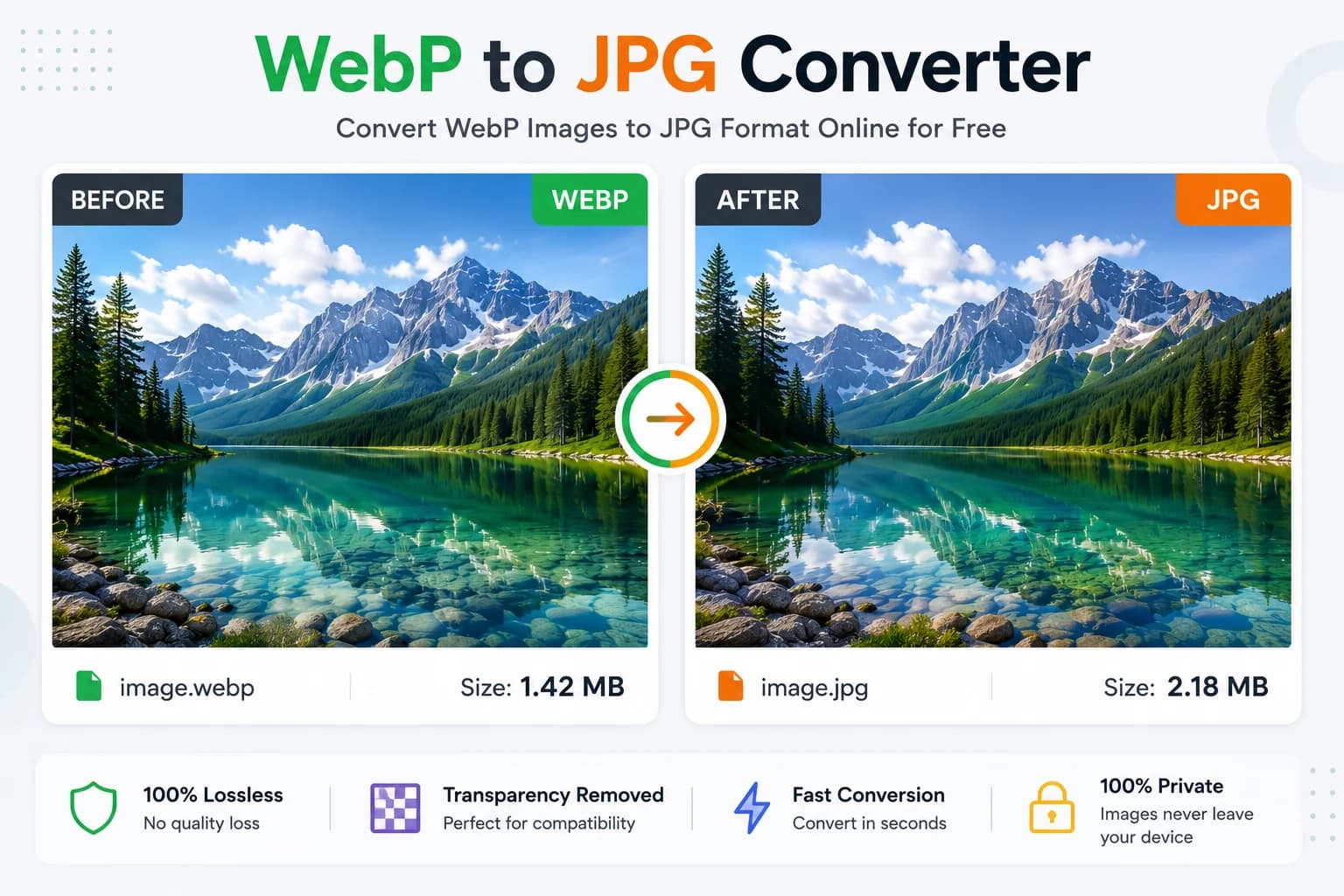
A WebP image converted to JPG using WebAuzar, with transparent areas filled white.
No software, no signup needed.
Drag & drop or click to select one or multiple WebP files — up to 50MB each.
Click 'Convert to JPG' to process all files at once.
Save individually or download all converted JPGs as a ZIP archive.
Older phones, cameras and software may not open WebP files. JPG opens on virtually every device ever made.
Print shops, photo labs and many sharing platforms expect JPG rather than WebP for photographs.
Some forms, portals and legacy systems reject WebP uploads entirely and only accept JPG or PNG.
Convert to JPG for platforms and apps that don't accept WebP uploads.
JPG opens reliably in every email client, unlike WebP on some older systems.
Photo labs and print software typically require JPG rather than WebP.
Older editors and operating systems may not support WebP at all.
Government and application portals often only accept JPG or PNG uploads.
Store images in the most universally readable format for long-term access.
WebAuzar is designed for people who want a simple, private way to convert WebP to JPG without installing software or creating an account. Conversion happens directly in the browser, so your images are never uploaded to a server.
Compare WebAuzar with typical online conversion tools.
| Feature | WebAuzar | Typical Online Tools |
|---|---|---|
| Browser Processing | ||
| No Upload Required | ||
| Batch Conversion | ||
| ZIP Download | ||
| Free Forever | Limited | |
| No Signup |
WebP is a modern image format developed by Google that offers smaller file sizes than JPG at similar visual quality. It's excellent for web performance, but older devices, some browsers, and many software tools still expect JPG for full compatibility.
WebP is typically 25–35% smaller than JPG at the same visual quality and supports transparency, which JPG does not.
JPG has near-universal support — it opens on every device, browser, and piece of software ever made, making it the safest choice when compatibility is uncertain.
JPG does not support transparent pixels. When a transparent WebP image is converted, any transparent areas are automatically filled with a solid white background. If you need to preserve transparency, convert to PNG instead.
Upload several WebP files at once and convert them all with a single click. Once conversion is complete, download each JPG individually or use "Download all" to get every converted image in one ZIP archive — useful when migrating a whole folder of assets.
Everything you need to know about converting WebP to JPG.
Upload your WebP files, then click 'Convert to JPG'. Download files individually or all at once as a ZIP.
Yes. WebAuzar's WebP to JPG converter is free to use and does not require an account or signup.
WebP offers better compression and smaller file sizes, while JPG provides universal compatibility across all devices, software and platforms, including older systems.
No. Conversion is performed directly in your browser. Your WebP files never leave your device.
Yes. Upload as many WebP files as you need and convert them all in one click. Use 'Download all' to get a ZIP archive of every converted JPG.
JPG does not support transparency. Transparent areas are automatically filled with a white background during conversion.
JPG is universally supported by every device, browser, and piece of software, including older systems that don't support WebP. Convert when maximum compatibility matters more than file size.
Usually yes. WebP compresses more efficiently than JPG, so converting typically increases file size. This is expected and does not indicate an error.
Yes. This converter works in modern mobile browsers, so you can convert WebP images from Android phones, iPhones, tablets and desktop computers without installing any app.
You can upload WebP files up to 50MB each.