How to Prepare Documents for Online Government Applications: Aadhaar, PAN, Certificates & More
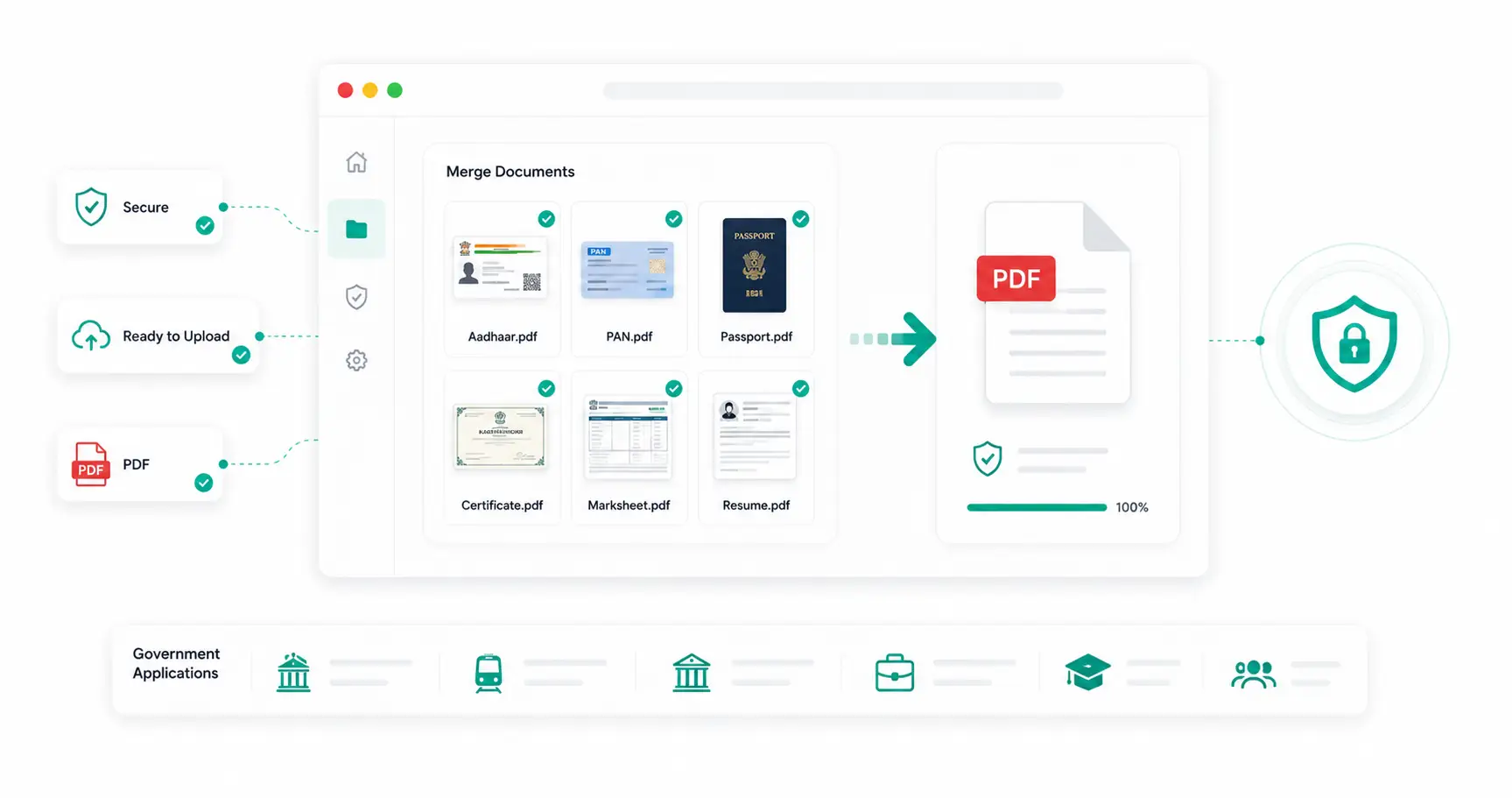
Government job applications, scholarship forms and college admissions rarely ask for just one document. Most require Aadhaar, PAN, certificates, marksheets and sometimes a resume, submitted together — often as a single combined PDF within a specific size limit. Getting the document set, order and file size right the first time avoids the back-and-forth of a rejected or incomplete submission.
Which Documents Are Usually Required?
| Application Type | Commonly Required Documents |
|---|---|
| Government Job / Recruitment | Resume, photo, identity proof, educational certificates |
| Passport | Aadhaar, address proof, birth certificate |
| Scholarship | Income certificate, marksheet, Aadhaar, bank details |
| College Admission | Marksheet, transfer certificate, photo, category certificate |
| Tender / Business Submission | Company registration, GST, PAN, experience certificates |
Why Portals Ask for One Combined PDF
Reviewing a single PDF is faster and more reliable for the receiving office than checking several separate uploads, and it reduces the risk of a missing document going unnoticed. It also means only one file needs to fit within the portal's size and format rules, rather than several.
Recommended Document Order
Unless a portal specifies otherwise, most government and admission applications expect documents arranged roughly like this:
- Application form / cover page
- Passport-size photograph
- Identity proof (Aadhaar Card)
- PAN Card (where applicable)
- Educational certificates and marksheets
- Supporting documents (income, category, experience certificates)
PDF Size Limits: What to Expect
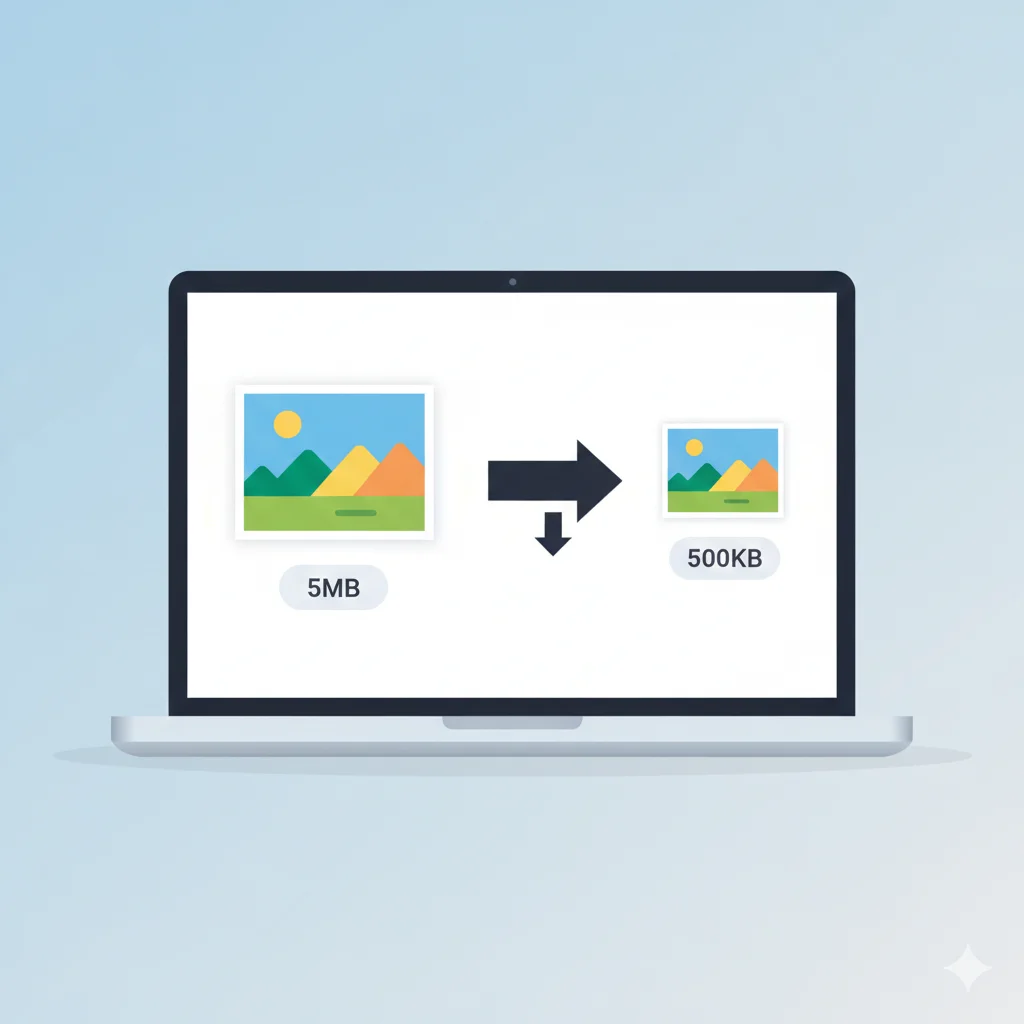
Combined PDF uploads commonly face their own size cap, separate from any individual document's limit — often somewhere between 1MB and 5MB depending on the portal. If your merged file exceeds the limit, compressing it afterward with a Compress PDF tool is usually faster than re-scanning individual pages at lower quality.
Common Document Preparation Mistakes
- Pages out of order — reviewers expect identity proof and the application form near the front, not scattered.
- Low-resolution or unreadable scans — certificates that can't be read clearly may cause a rejection even if all documents are present.
- Duplicate or blank pages — left over from scanning multiple sheets at once, these inflate file size and can confuse reviewers.
- Mismatched file formats — mixing scanned images and native PDFs is fine, but check the portal accepts the resulting combined format.
- Oversized final PDF — exceeding the upload limit after merging is one of the most common last-step failures.
Step-by-Step: Preparing Your Application PDF
- Gather clear, readable scans or photos of every required document.
- If any document is an image file rather than a PDF, convert it first with an Image to PDF tool.
- Arrange all files in the recommended order above (or as the portal specifies).
- Combine them using a Merge PDF tool.
- Check the combined file size against the portal's limit; if it's too large, run it through a Compress PDF tool.
- Open the final PDF and confirm every page is readable and in order before uploading.
Individual Document Prep Tips
- Photographs should already meet the portal's own size and dimension rules — see our guides on compressing photos to 100KB or 50KB depending on the requirement.
- Scan certificates flat, without shadows or folded corners.
- Keep original file names organised so it's easy to arrange them in the correct order before merging.
Frequently Asked Questions
Do I need to merge documents in a specific order?
Most portals don't enforce a strict order technically, but placing identity proof and the application form first, followed by certificates, matches what reviewers typically expect and speeds up verification.
What if my combined PDF is still too large after merging?
Run it through a PDF compression tool, which reduces file size by optimizing embedded images without deleting any pages or content.
Can I combine scanned images and existing PDFs together?
Yes. Convert any image files to PDF first, then merge everything into one file in your chosen order.
Is my uploaded document data secure?
Reputable online PDF tools process files temporarily and remove them after processing; avoid uploading sensitive documents to sites that don't clearly state a deletion policy.
Related Tools
Conclusion
Preparing documents for a government, scholarship or admission application is mostly about organisation: know which documents are required, arrange them in a sensible order, combine them into one file, and make sure the final PDF fits the portal's size limit. Getting this right the first time avoids the delays that come with a rejected or incomplete submission.