PNG vs JPG for Web: Which Format is Better?
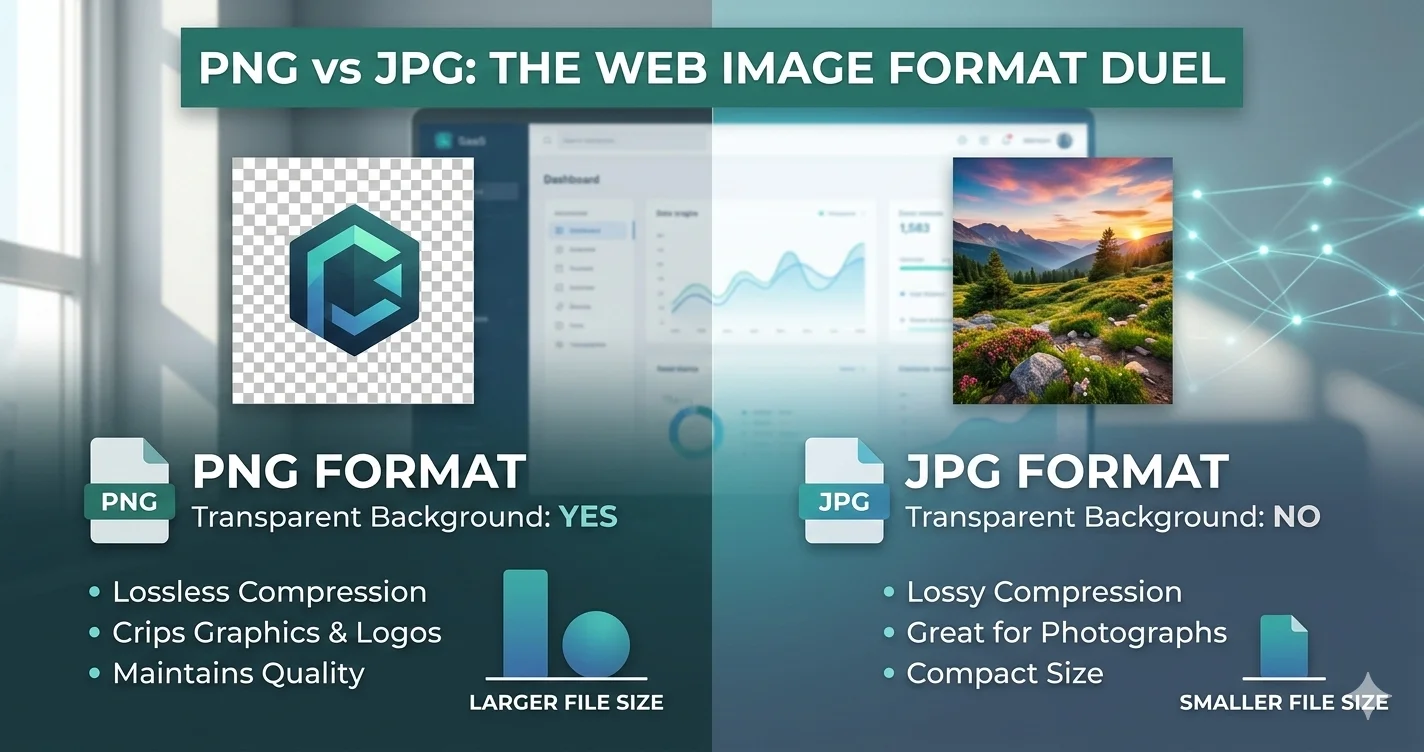
When building a website, choosing the right image format is crucial for performance, user experience, and SEO. Two of the most common formats are PNG and JPG (JPEG). Each has its strengths and weaknesses depending on what you're trying to achieve.
Quick Comparison: PNG vs JPG
| Feature | PNG | JPG |
|---|---|---|
| Compression | Lossless | Lossy |
| Transparency | ✅ Yes | ❌ No |
| File Size | Larger | Smaller |
| Image Quality | High (no artifacts) | Good (some artifacts at low quality) |
| Best For | Logos, icons, graphics, screenshots | Photographs, complex images |
When to Use PNG for Web
PNG is the ideal choice when you need lossless compression and transparency. It's perfect for:
- Logos and brand graphics - Sharp edges and transparency support
- Icons and UI elements - Maintains crisp details at any size
- Screenshots and diagrams - Text remains readable without artifacts
- Images with text overlays - Preserves sharp text edges
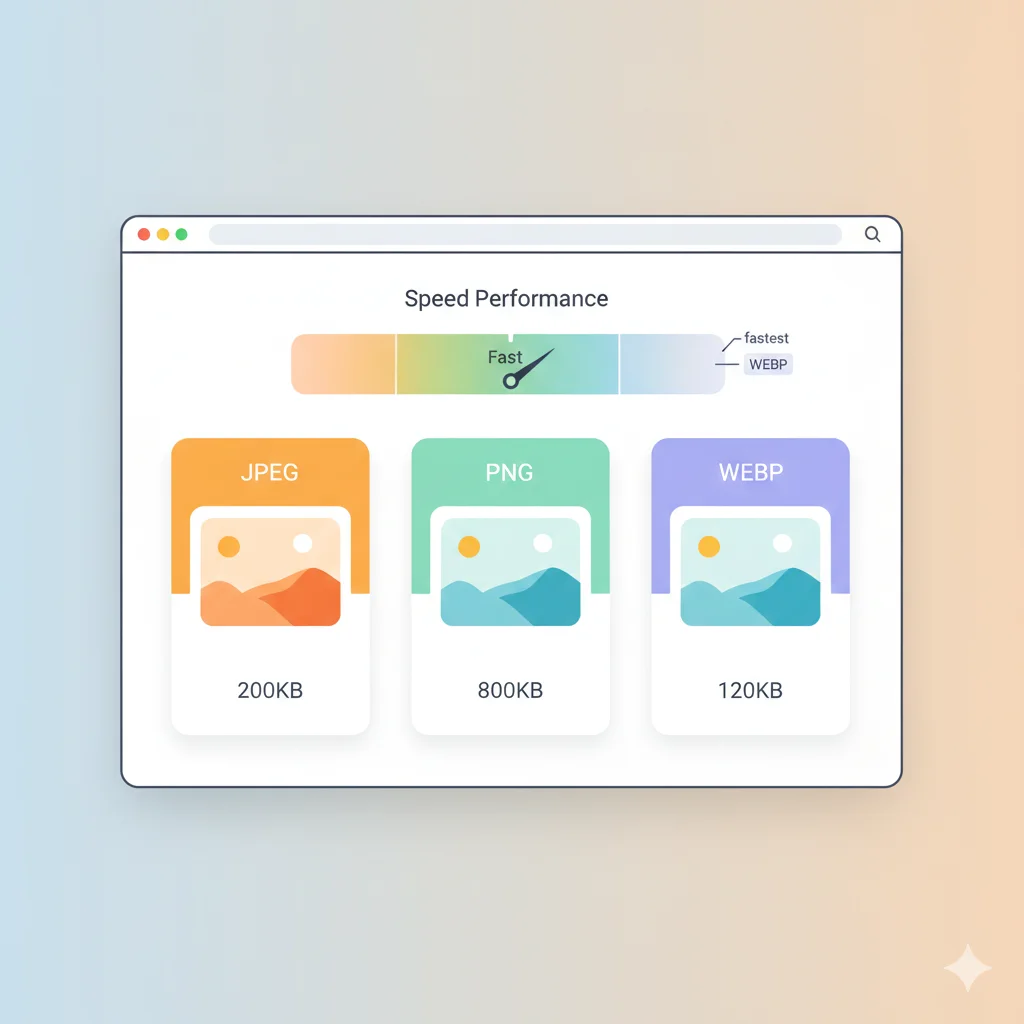
However, PNG files are significantly larger than JPGs. A typical PNG photo can be 2-5x larger than its JPG equivalent, which can slow down your website if used excessively.
When to Use JPG for Web
JPG is the go-to format for photographs and complex images. Its strengths include:
- Photographs - Excellent compression for natural images
- Hero images and backgrounds - Small file sizes without noticeable quality loss
- Product photos - Good balance of quality and file size
- Blog post images - Faster loading without sacrificing appearance
The main limitation of JPG is that it doesn't support transparency and uses lossy compression, which can create visible artifacts at very low quality settings.
Web Performance Impact
Image optimization directly affects your website's Core Web Vitals. Here's how PNG and JPG compare:
- Page load speed - JPG files load faster due to smaller size
- Largest Contentful Paint (LCP) - Smaller JPGs improve LCP scores
- Bandwidth usage - JPG reduces server and user bandwidth costs
- Mobile experience - Smaller files perform better on slow connections
SEO Considerations
Google considers page speed as a ranking factor. Using the right format can improve your SEO:
- Faster loading pages rank higher in search results
- Better user experience reduces bounce rates
- Image search rankings depend on file quality and relevance
Best Practices for Web Images
- Use JPG for photos - Compress to 70-85% quality for best results
- Use PNG for graphics - Optimize with tools like PNG compressors
- Consider WebP - Modern format that combines best of both (see our JPEG vs WebP guide)
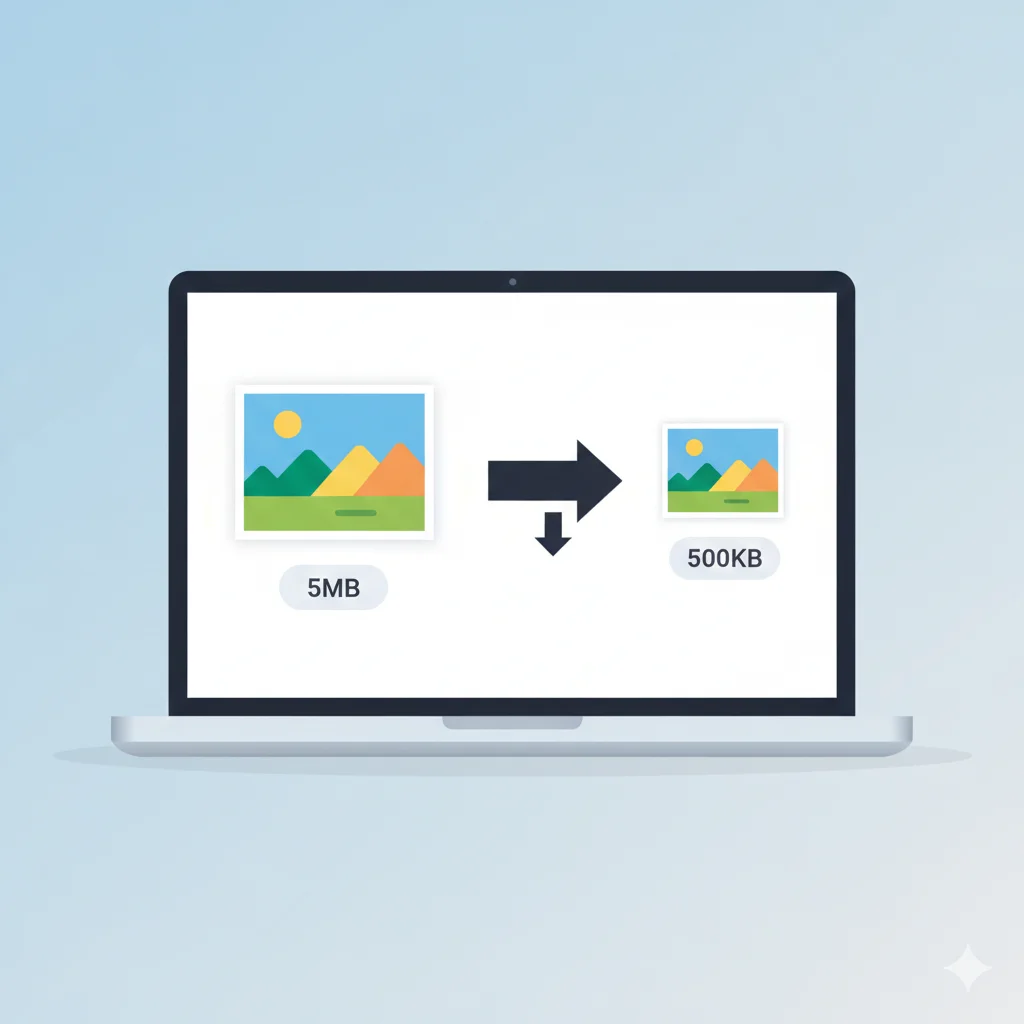
- Always compress images - Use image compression tools before uploading
- Implement lazy loading - Load images only when needed
Conclusion
There's no universal "best" format between PNG and JPG. The right choice depends on your specific needs:
- For photographs and complex scenes → JPG
- For graphics, logos, and images needing transparency → PNG
- For modern websites wanting best performance → WebP (with PNG/JPG fallbacks)
Ready to optimize your images? Try our free image compressor orconvert PNG to JPG tools to get started.