What is WebP Format? Everything You Need to Know in 2026
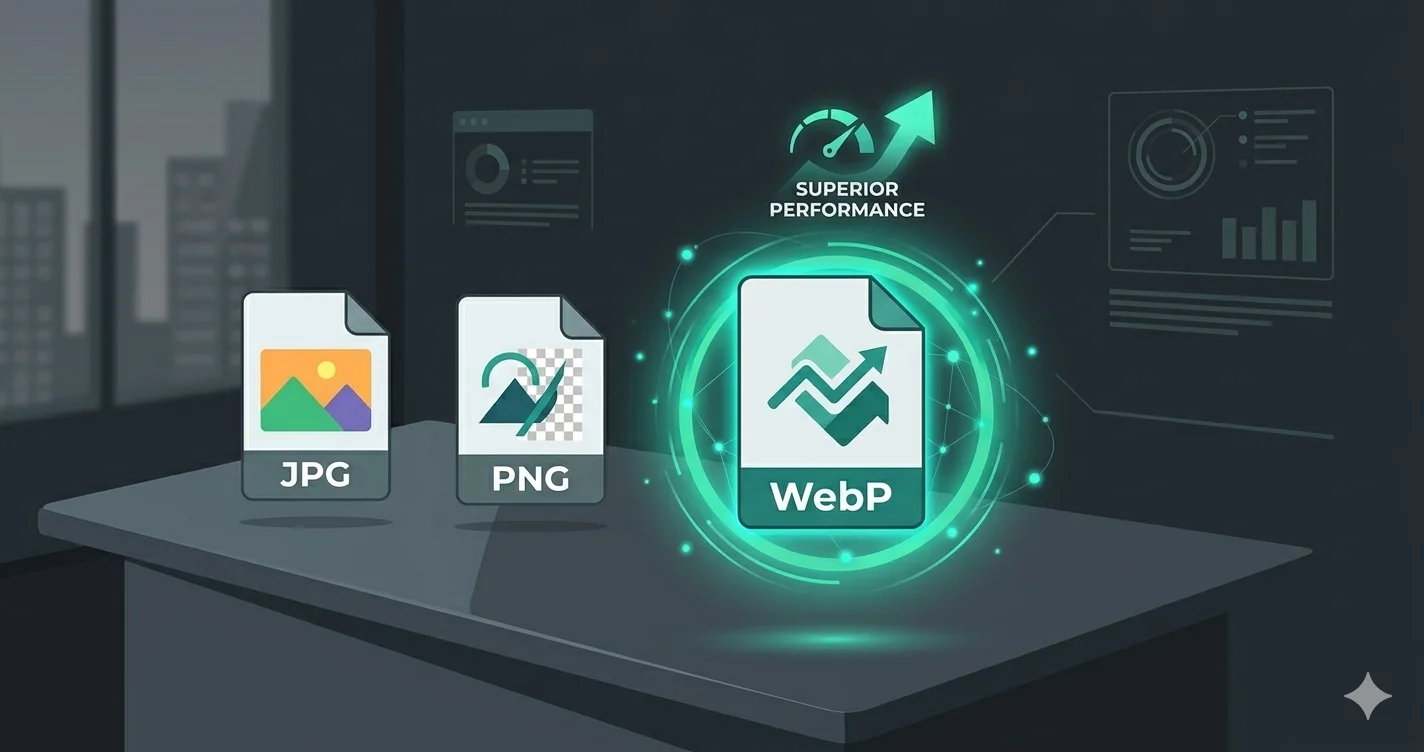
If you have downloaded an image recently and noticed it saved as a .webp file instead of .jpg or .png, you are not alone. WebP is a modern image format that is now used by Google, Facebook, YouTube, and thousands of websites worldwide. But what exactly is WebP, and why should you care about it?
What is WebP?
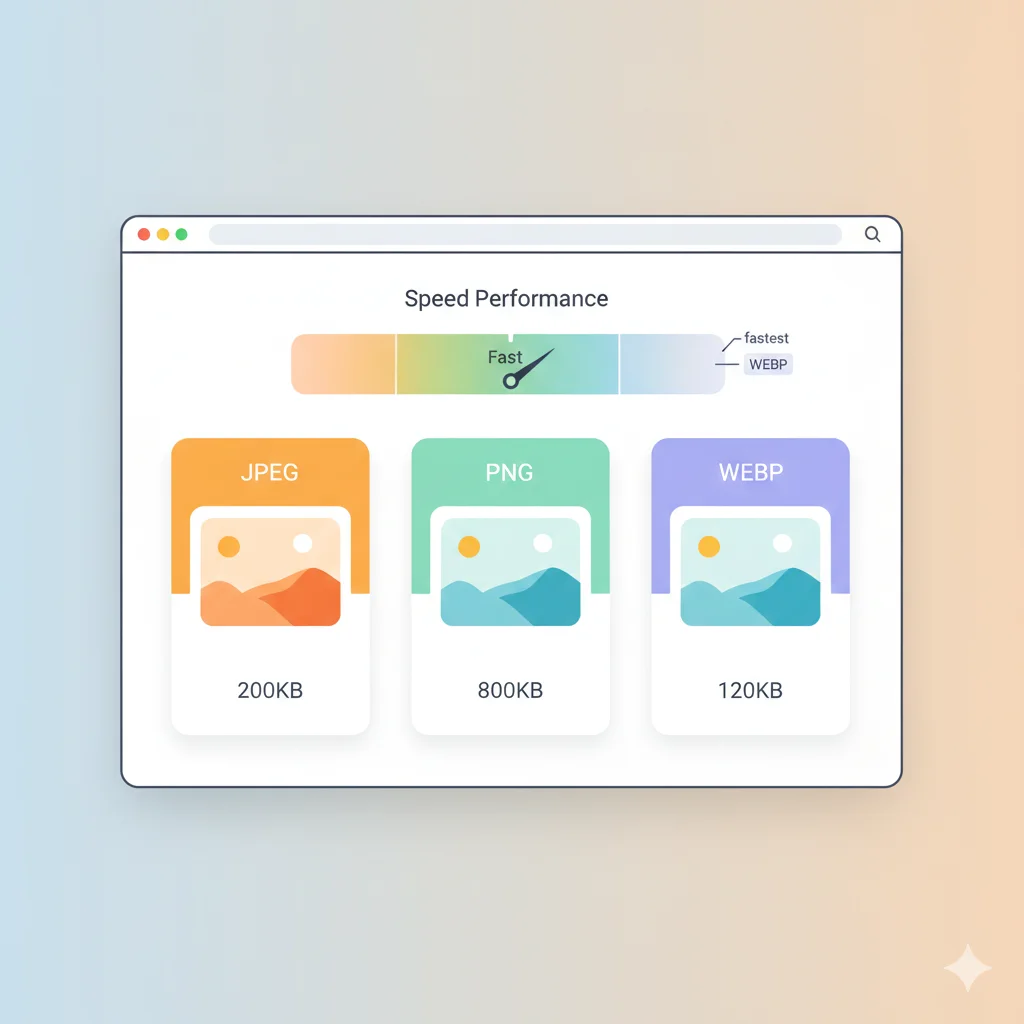
WebP is an image format developed by Google and first released in 2010. It was designed specifically for the web — to provide smaller file sizes than JPEG and PNG while maintaining the same or better visual quality.
The name WebP stands for Web Picture. It uses advanced compression algorithms that are more efficient than older formats like JPEG, PNG, and GIF.
How Does WebP Work?
WebP uses two types of compression:
- Lossy WebP — Based on the VP8 video codec. Removes some image data to achieve smaller files. Similar to JPEG but significantly more efficient.
- Lossless WebP — Preserves every pixel perfectly. Similar to PNG but produces files that are 25–35% smaller.
WebP can also support transparency (alpha channel) in both lossy and lossless modes, and it supports animated images — making it a versatile replacement for JPEG, PNG, and GIF in a single format.
WebP vs JPG vs PNG — Key Differences
| Feature | WebP | JPG | PNG |
|---|---|---|---|
| File Size | Smallest | Medium | Largest |
| Transparency | ✅ Yes | ❌ No | ✅ Yes |
| Animation | ✅ Yes | ❌ No | ❌ No |
| Lossless | ✅ Yes | ❌ No | ✅ Yes |
| Lossy | ✅ Yes | ✅ Yes | ❌ No |
| Browser Support | 96%+ | 100% | 100% |
How Much Smaller are WebP Files?
According to Google's own research and independent tests:
- Lossy WebP is 25–34% smaller than JPEG at equivalent quality
- Lossless WebP is 26% smaller than PNG
- Animated WebP is up to 64% smaller than animated GIF
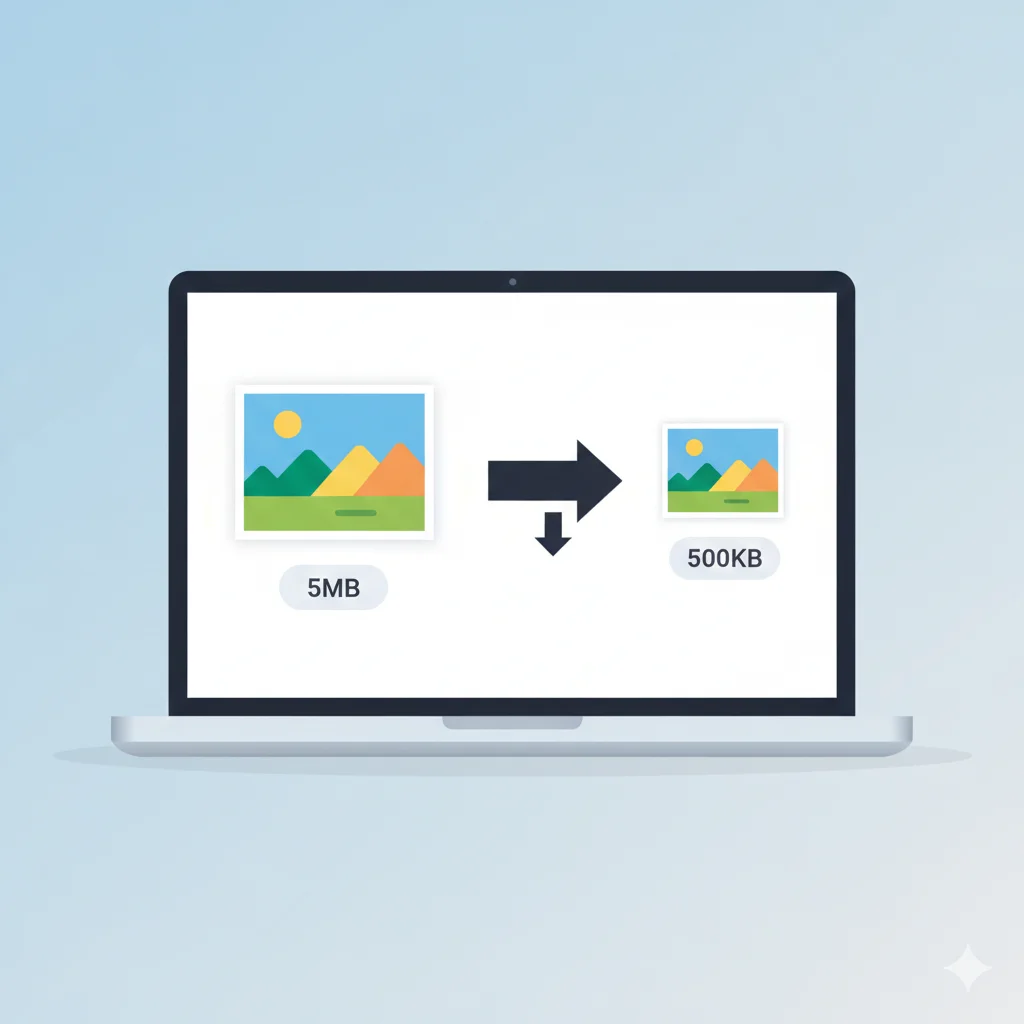
For a website with 50 images, switching from JPG to WebP can reduce total image weight by 30–40%, which directly improves page load speed.
Browser Support for WebP in 2026
WebP is now supported by all major browsers:
- Google Chrome — supported since 2010
- Mozilla Firefox — supported since 2019
- Microsoft Edge — supported since 2018
- Apple Safari — supported since 2020 (Safari 14+)
- Opera, Brave, Samsung Internet — all supported
As of 2026, over 96% of global browser usage supports WebP. For the remaining 4%, you can provide JPG or PNG fallbacks.
How to Open a WebP File
WebP files can be opened in several ways:
- Web browsers — Simply drag the .webp file into Chrome, Edge or Firefox
- Windows — Open with Photos app (Windows 10/11 supports WebP natively)
- Mac — Open with Safari or Preview (macOS Big Sur and later)
- Mobile — Android and iOS both open WebP natively in their gallery apps
How to Convert WebP Files
Need to convert WebP to JPG or PNG? Or convert your JPG/PNG files to WebP? WebAuzar has free tools for all conversions:
- WebP to JPG — convert WebP for wider compatibility
- WebP to PNG — convert WebP to lossless PNG
- JPG to WebP — convert photos to smaller WebP
- PNG to WebP — convert graphics to smaller WebP
Should You Use WebP on Your Website?
Yes — if website performance matters to you. WebP helps with:
- Core Web Vitals — Faster LCP (Largest Contentful Paint)
- SEO — Google uses page speed as a ranking factor
- Bandwidth — Lower hosting costs and faster mobile loading
- User experience — Pages feel snappier and more responsive
To implement WebP with a fallback for older browsers, use the HTML <picture> element:
<picture>
  <source srcset="image.webp" type="image/webp" />
  <img src="image.jpg" alt="Description" />
</picture>
When NOT to Use WebP
WebP is not always the right choice:
- Print and professional editing — Use TIFF or PNG for print work. WebP is not supported in most professional editing software.
- Email attachments — Many email clients do not render WebP inline. Use JPG for email images instead.
- Older CMS platforms — Some older WordPress themes or CMS systems may not handle WebP natively without a plugin.
Is WebP the Future of Web Images?
WebP is already the present. Google Images, Facebook, YouTube, and Pinterest all serve WebP by default when the browser supports it. The next generation format is AVIF — even smaller than WebP — but browser support is still growing. For now, WebP is the best practical choice for web images in 2026.
Conclusion
WebP is a modern, efficient image format that produces smaller files than JPG and PNG while offering transparency and animation support. With 96%+ browser support in 2026, there is no reason not to use it for your website. Convert your existing images to WebP today and start loading faster.