Government Photo & Signature Upload Requirements: SSC, Railway, Banking, Passport & Scholarship Guide
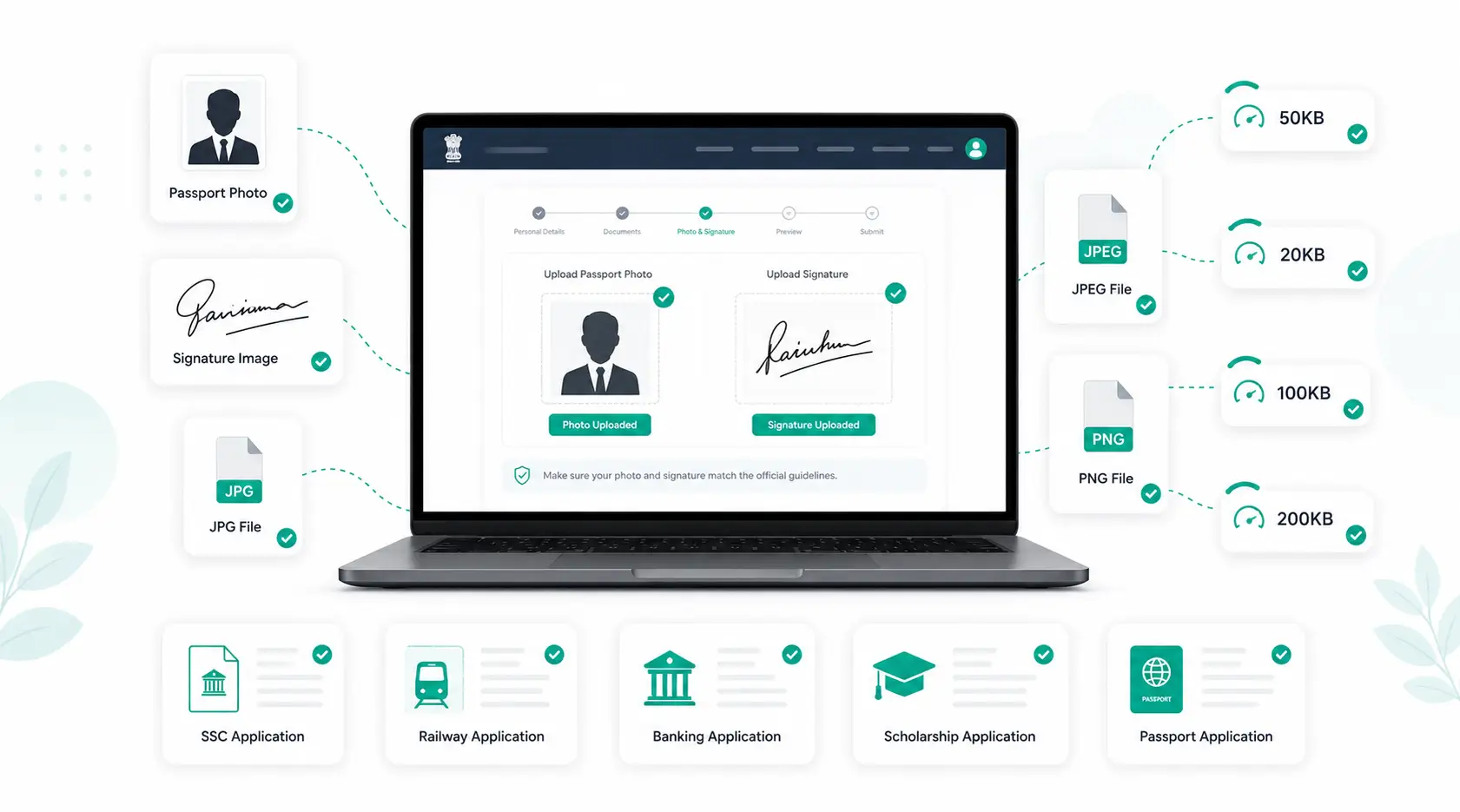
Almost every Indian government exam or recruitment portal — SSC, Railway (RRB), IBPS, SBI, UPSC, passport services, and state scholarship boards — asks for a photograph and signature within a strict file size and dimension limit. Applications get stuck or rejected more often because of an oversized photo than any other single reason. This guide explains what these portals actually require, why the limits exist, and how to get your documents ready without guesswork.
Why Do Government Portals Set Photo Size Limits?
Government recruitment sites handle lakhs of applications in a short window, often from users on slow mobile networks. Small, consistent file sizes mean the server can validate and store every submission quickly, without timing out or filling up storage. That's why almost every portal specifies both a maximum file size (in KB) and exact pixel dimensions — not just one or the other.
Typical Requirements by Portal
Exact limits change with each notification, so always check the official PDF for your specific exam. That said, most portals fall into a predictable pattern:
| Portal / Exam | Photo Size | Signature Size | Typical Dimensions |
|---|---|---|---|
| SSC (CGL, CHSL, MTS) | 20KB–50KB | 10KB–20KB | 200×230px (photo) |
| Railway (RRB) | 20KB–50KB | 10KB–20KB | 3.5cm × 4.5cm |
| IBPS / SBI | 20KB–50KB | 10KB–20KB | 200×230px |
| UPSC | Up to 300KB | Up to 300KB | Portal-specified |
| Passport Seva | Up to 200KB | Up to 200KB | 2×2 inch, JPEG |
| State Scholarship Portals | 50KB–200KB | 20KB–50KB | Varies by state |
Note: figures above reflect commonly seen ranges across recent notifications and are meant as a planning reference, not a substitute for your exam's official advertisement.
Image Dimensions vs. File Size — What's the Difference?
These are two separate requirements, and portals frequently reject uploads that satisfy only one:
- Dimensions (pixels or cm) control the physical shape and resolution of the photo — for example, 200×230 pixels.
- File size (KB) controls how much data the image file contains after compression.
A photo can be exactly the right dimensions and still fail the size check if it's saved at high quality, and vice versa. Get the dimensions right first with a resize tool, then bring the file size down separately.
JPG vs PNG: Which Should You Upload?
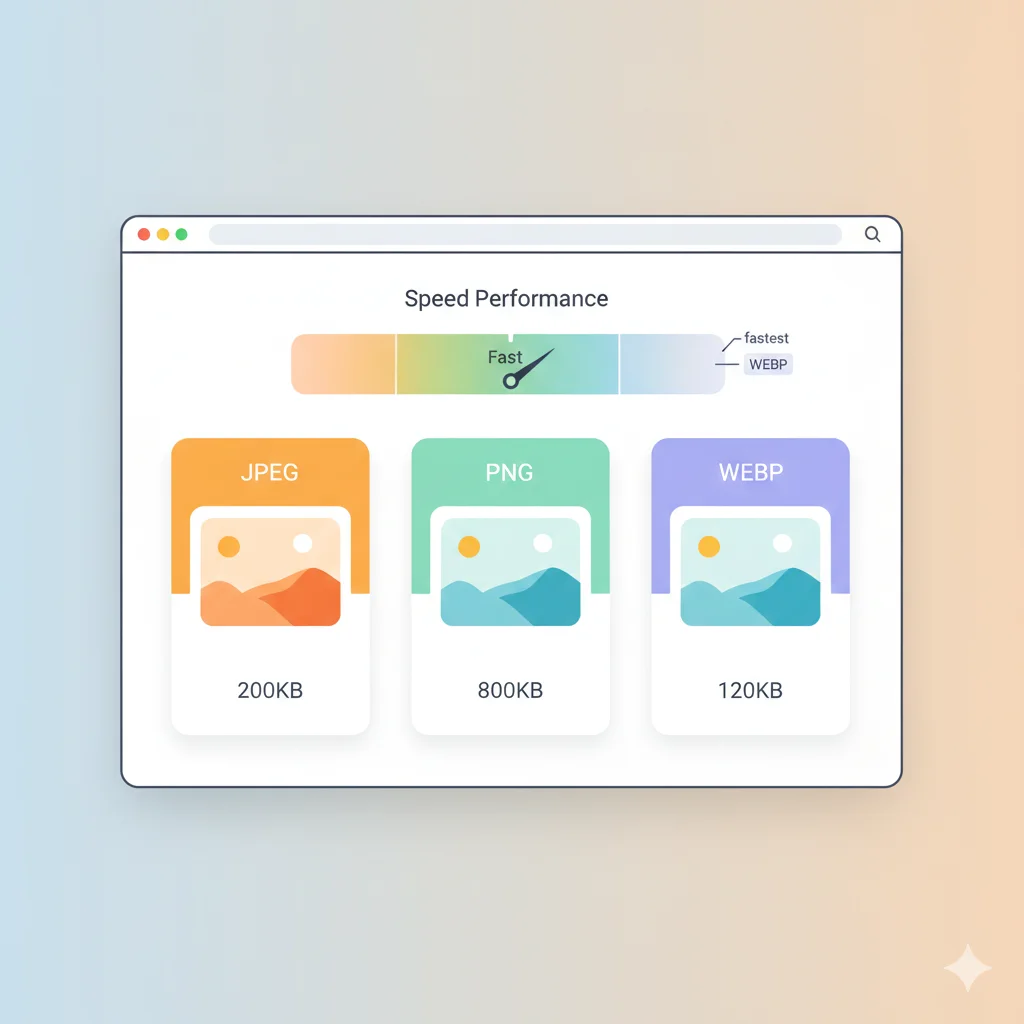
Government portals almost universally ask for JPG/JPEG, not PNG. PNG uses lossless compression, which keeps files significantly larger at the same dimensions — a 200×230px PNG photo can be 3–5x heavier than the equivalent JPG. If your scanned photo or signature is saved as PNG, convert it with a PNG to JPG converter before trying to hit a KB target; it makes the compression step far easier.
Common Upload Errors (and How to Fix Them)
| Error | Likely Cause | Fix |
|---|---|---|
| "File size exceeds limit" | Photo saved at full camera quality | Compress with a target-size tool |
| "Invalid dimensions" | Photo not cropped to spec | Crop then resize to exact pixels |
| "Unsupported file format" | Uploaded PNG, HEIC or WebP | Convert to JPG |
| Photo looks blurry after upload | Over-compressed or resized too small | Start from a higher-resolution original, compress less aggressively |
Best Practices Before You Upload
- Use a recent photo (most portals require one taken within the last 3–6 months).
- Photograph against a plain white or light-coloured background.
- Check both the dimension and file-size requirement in the official notification.
- Crop tightly to remove excess background before compressing — it improves quality at a given file size.
- Compress the original file only once; recompressing an already-compressed JPG degrades quality faster.
How to Get Your Photo to a Specific KB Target
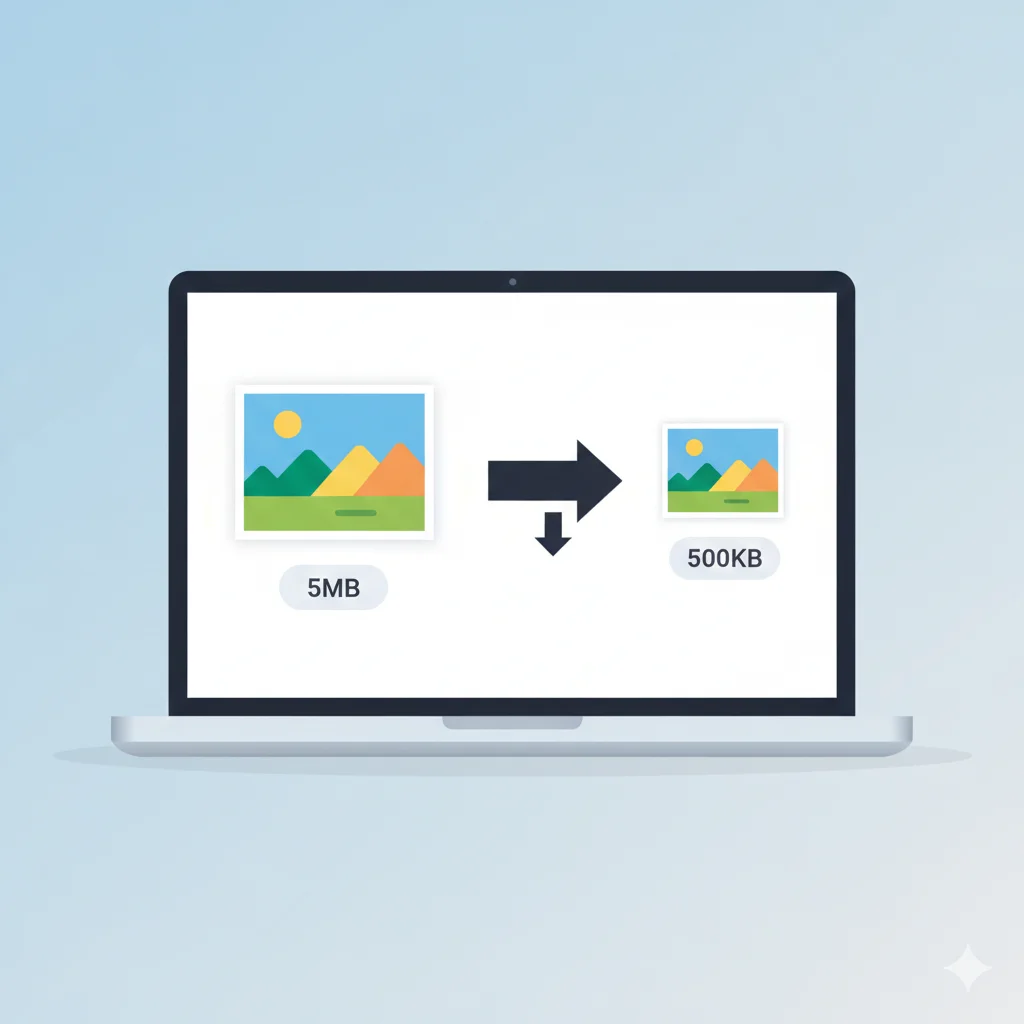
Once your photo is cropped and resized to the correct dimensions, use a compression tool that lets you set a target file size rather than guessing a quality percentage. WebAuzar's Compress Image to 50KB tool automatically finds the highest quality setting that still fits under your limit — useful for SSC, Railway, IBPS and similar 50KB thresholds. For portals with a different limit, the same approach applies with a different target.
Frequently Asked Questions
Is 50KB a standard limit across all government exams?
No. 50KB is common for SSC, Railway and banking exam photos, but UPSC, passport, and many scholarship portals allow larger files (up to 200–300KB). Always confirm from the current notification.
Can I use the same photo for multiple exams?
Yes, as long as you resize and compress it separately to match each portal's specific dimension and size requirement.
Why does my signature need a much smaller file size than my photo?
Signatures are simple black-and-white line images with far less visual detail than a photograph, so portals expect them to compress to a much smaller file — typically 10–20KB.
What's the safest file format to upload?
JPG/JPEG is accepted almost everywhere and compresses more efficiently than PNG for photographic content.
Related Tools
Conclusion
Government photo and signature requirements look strict, but they're predictable once you understand the two things portals check: exact dimensions and a maximum file size. Crop, resize, and convert your image first, then compress it to the specific limit your form asks for — and your upload should go through on the first try.