Government Photo Upload Requirements: Passport, Visa, Admission & Job Portal Guide
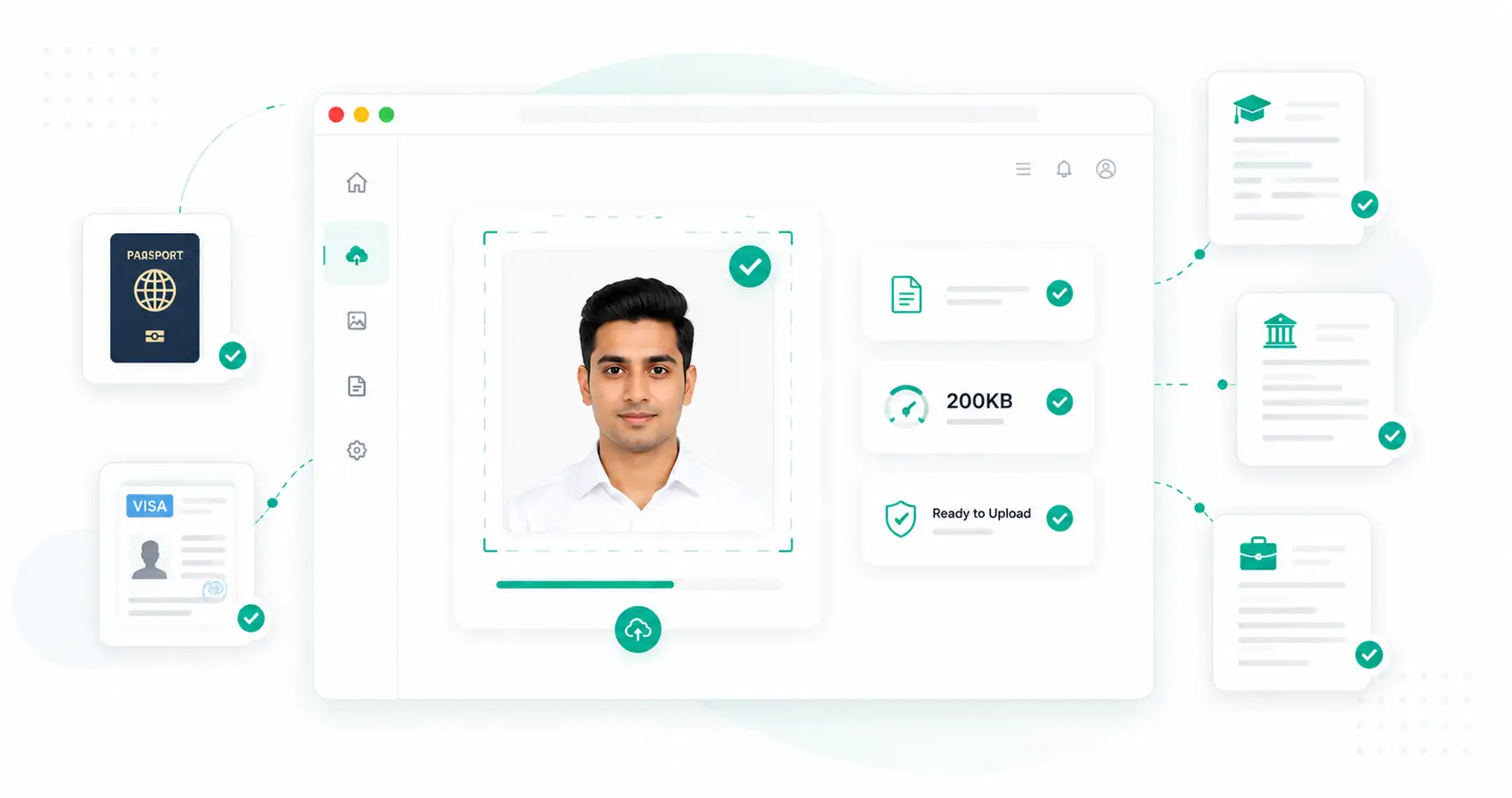
Passport applications, visa forms, college admissions and job portals each have their own photo requirements, and they don't always match. Uploading the wrong dimensions, format, or file size is one of the most common reasons an otherwise complete application gets stuck. This guide walks through what each type of portal typically expects and how to get it right.
Passport Photo Requirements
Passport Seva and most passport authorities require a recent colour photograph, generally 2×2 inches, in JPEG format, with a plain white or light background and a neutral expression. File size limits are usually capped around 200KB, though the exact figure can change — always confirm from the current application instructions before uploading.
Visa Photo Requirements
Visa photo specifications vary by destination country and processing centre, but most fall in the 100KB–200KB range with dimension requirements close to standard passport photo size. Many visa portals are stricter about background colour and headwear rules than domestic government forms, so check the embassy or consulate's own photo guidelines in addition to the file size limit.
College & University Admission Photos
Admission portals commonly ask for a passport-style photo under 200KB, alongside signature and sometimes category-certificate scans. Because these forms are often submitted alongside several other documents, keeping every file within its stated limit avoids holding up the entire submission over one oversized image.
Job Portal & Recruitment Photos
Job application and HR portals tend to have the most lenient limits of the group, often accepting profile photos up to 200KB or more, since they're used mainly for internal display rather than official identity verification. Even so, matching the stated dimensions avoids the photo being cropped or stretched oddly on the portal.
Requirement Comparison
| Application Type | Typical Size Limit | Format | Background |
|---|---|---|---|
| Passport | Up to 200KB | JPEG | Plain white |
| Visa | 100KB–200KB | JPEG | White/light, per country |
| College Admission | Up to 200KB | JPG/JPEG | Plain, light |
| Scholarship | Below 200KB | JPG | Plain, light |
| Job Portal | Usually below 200KB | JPG/PNG | Flexible |
Image Dimensions vs. File Size
These are checked independently by most portals. Dimensions define the photo's shape (e.g., 2×2 inches or a set pixel width and height); file size defines how much data the saved file contains. Satisfying one doesn't guarantee the other — a correctly sized photo saved at high quality can still be too heavy, and a small file can still have the wrong dimensions. Fix dimensions with a resize tool before addressing file size.
JPG vs PNG for Official Uploads
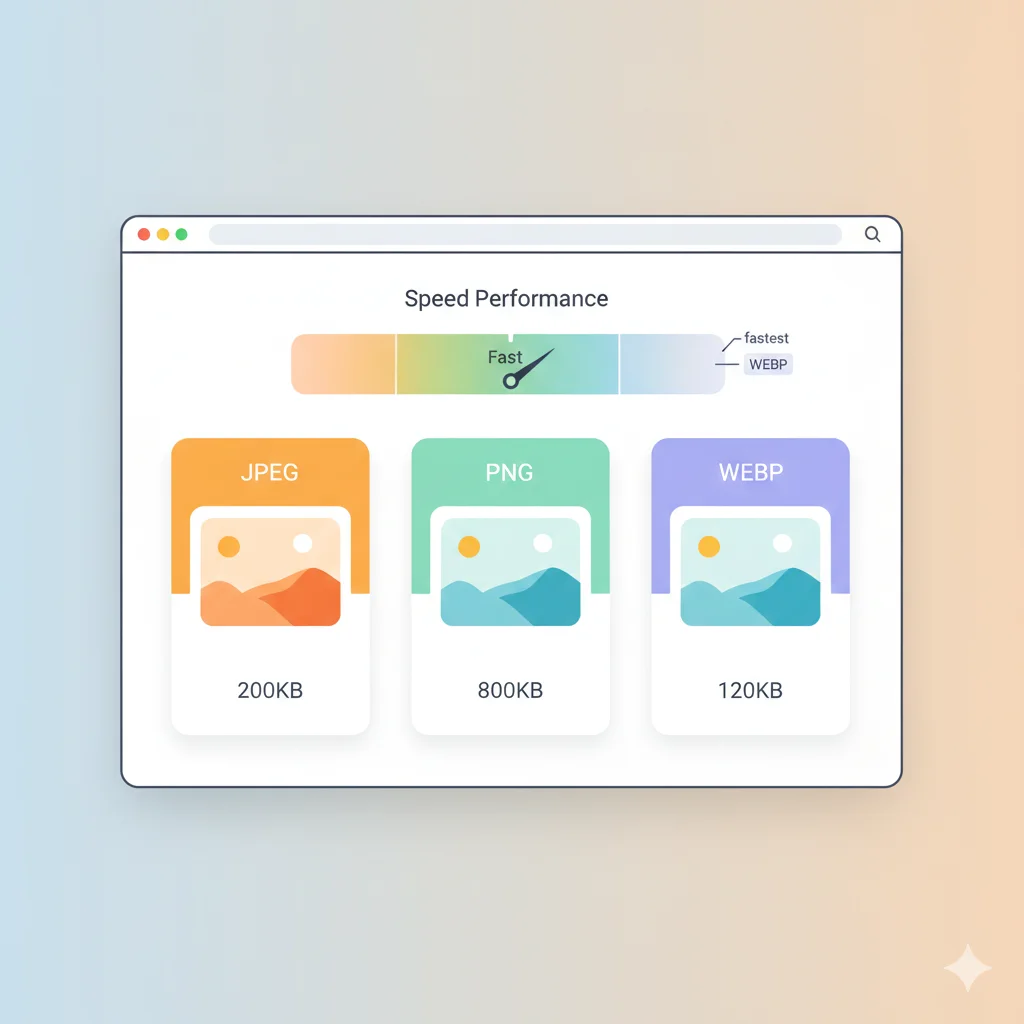
Nearly every passport, visa, admission and job portal expects JPG/JPEG rather than PNG. PNG's lossless compression keeps files noticeably larger at the same dimensions, which makes it harder to fit under any KB limit. If your scanned or photographed image is a PNG, use a PNG to JPG converter before trying to compress it further.
Common Upload Errors
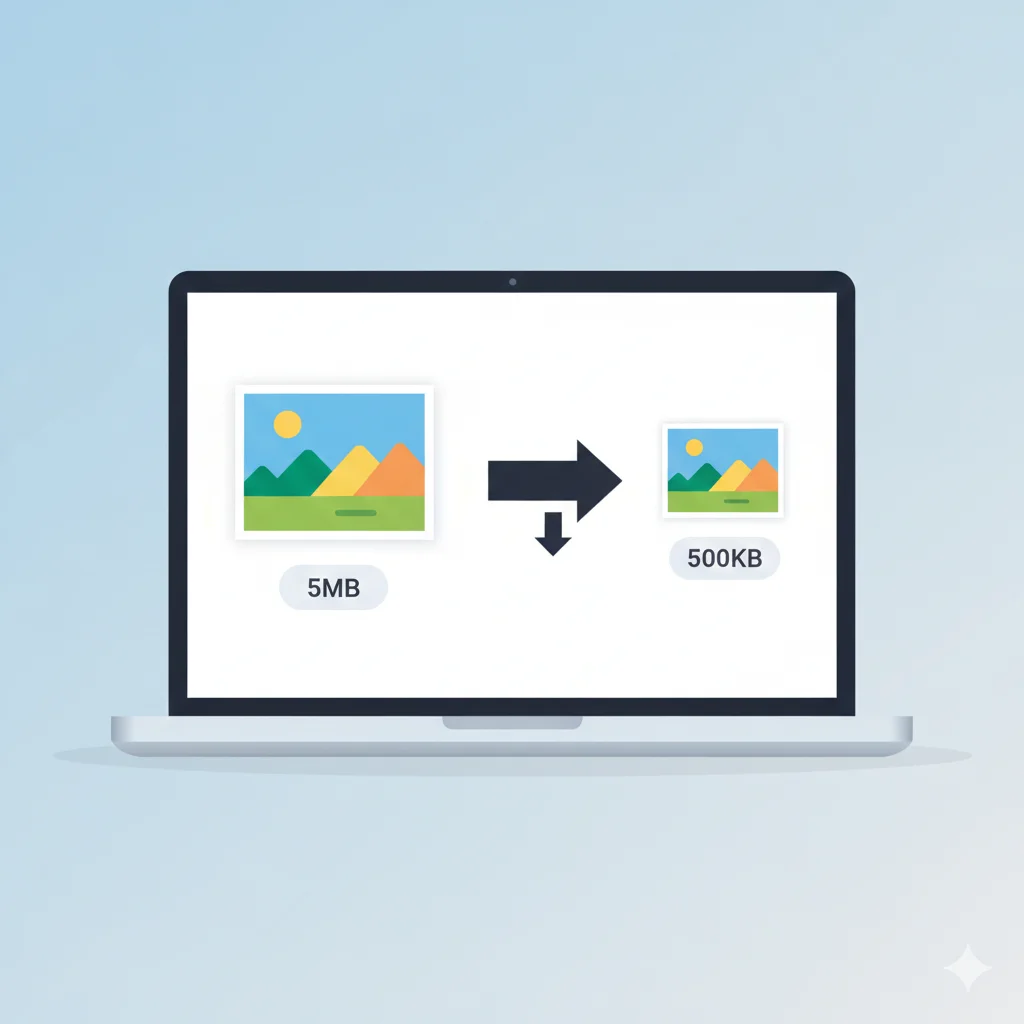
- File exceeds size limit — the most frequent rejection reason; resize and compress before uploading rather than uploading a raw camera photo.
- Incorrect aspect ratio — some portals reject photos that aren't cropped to the exact required ratio (e.g., square for passport-style photos).
- Wrong background colour — visa and passport authorities are often strict about a plain white or off-white background.
- Unsupported format — HEIC images from iPhones are a common cause of upload failures; convert to JPG first.
Best Practices Before Uploading
- Read the specific portal's photo specification sheet, not just a general size limit.
- Take the photo against a plain background in good, even light.
- Crop to the required aspect ratio first.
- Resize to the exact pixel dimensions or inches specified.
- Compress last, once dimensions and format are already correct.
Getting to a Specific File Size
Once your photo matches the required dimensions and format, a target-size compressor avoids the trial-and-error of manually adjusting quality sliders. Tools like WebAuzar's Compress Image to 200KB tool are useful when a portal's limit sits around that figure — simply upload the resized photo and let it find the best quality that still fits.
Frequently Asked Questions
Do passport and visa photos need the same specifications?
No. While both usually require a plain background and JPEG format, exact dimensions and size limits differ by country and issuing authority, so check both sets of guidelines separately.
Why was my photo rejected even though it was under the size limit?
Rejections are often about dimensions, aspect ratio, or background colour rather than file size alone. Review the specific photo guidelines, not just the KB limit.
Can I use the same photo across multiple applications?
You can reuse a good-quality original, but you'll typically need to resize and compress it separately to match each portal's specific requirements.
Is a phone photo good enough?
Yes, provided it's taken in good lighting against a plain background and then cropped, resized and compressed to the portal's exact specification.
Related Tools
Conclusion
Passport, visa, admission and job portals each set their own photo rules, but the underlying process is the same: get the background, aspect ratio and dimensions right first, use JPG format, and compress last to hit the stated file size. Getting this order right avoids the most common cause of upload failures.