How to Compress Images Under 50KB, 100KB & 200KB for SSC, UPSC, Railway & Banking Forms
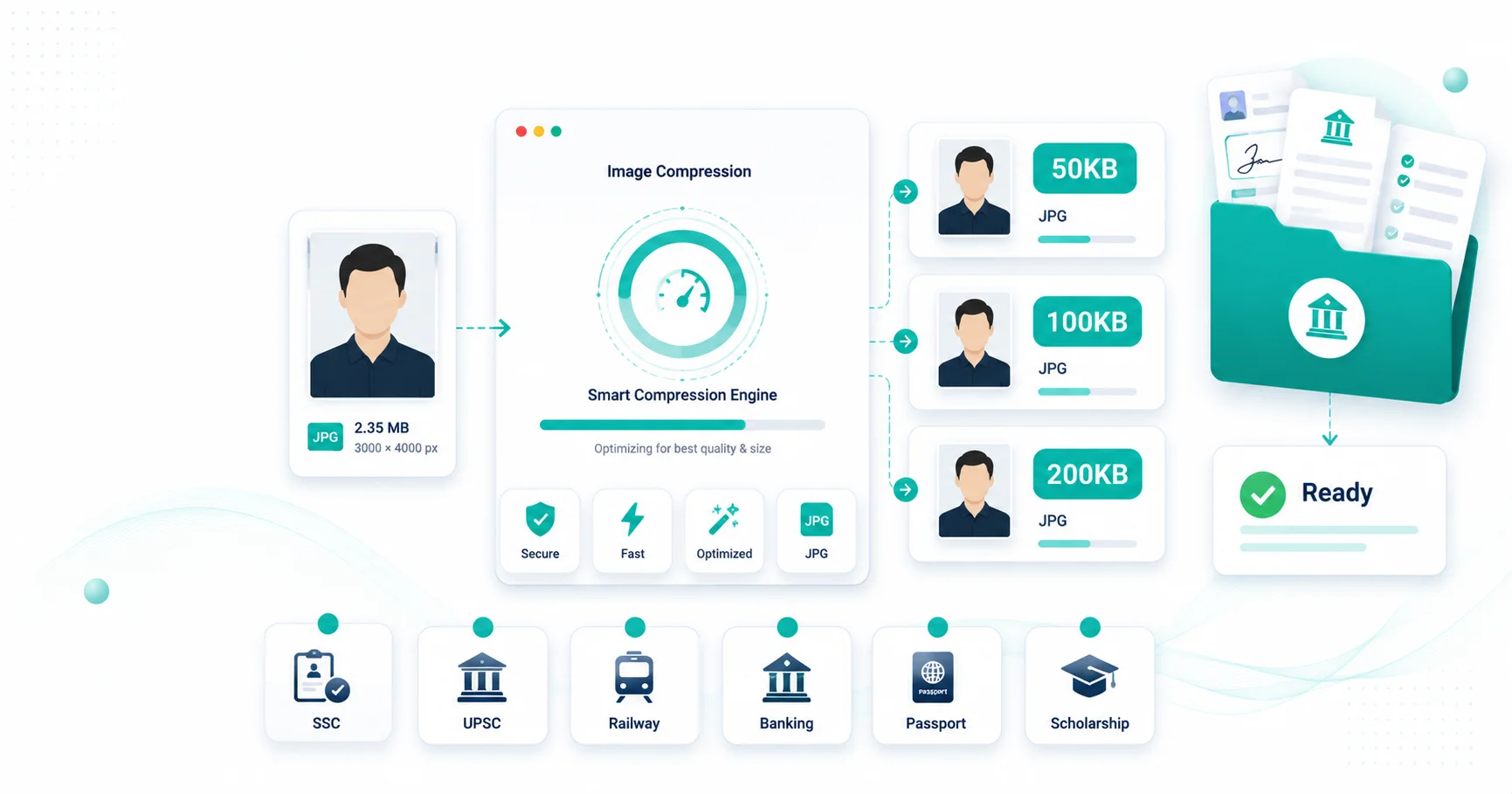
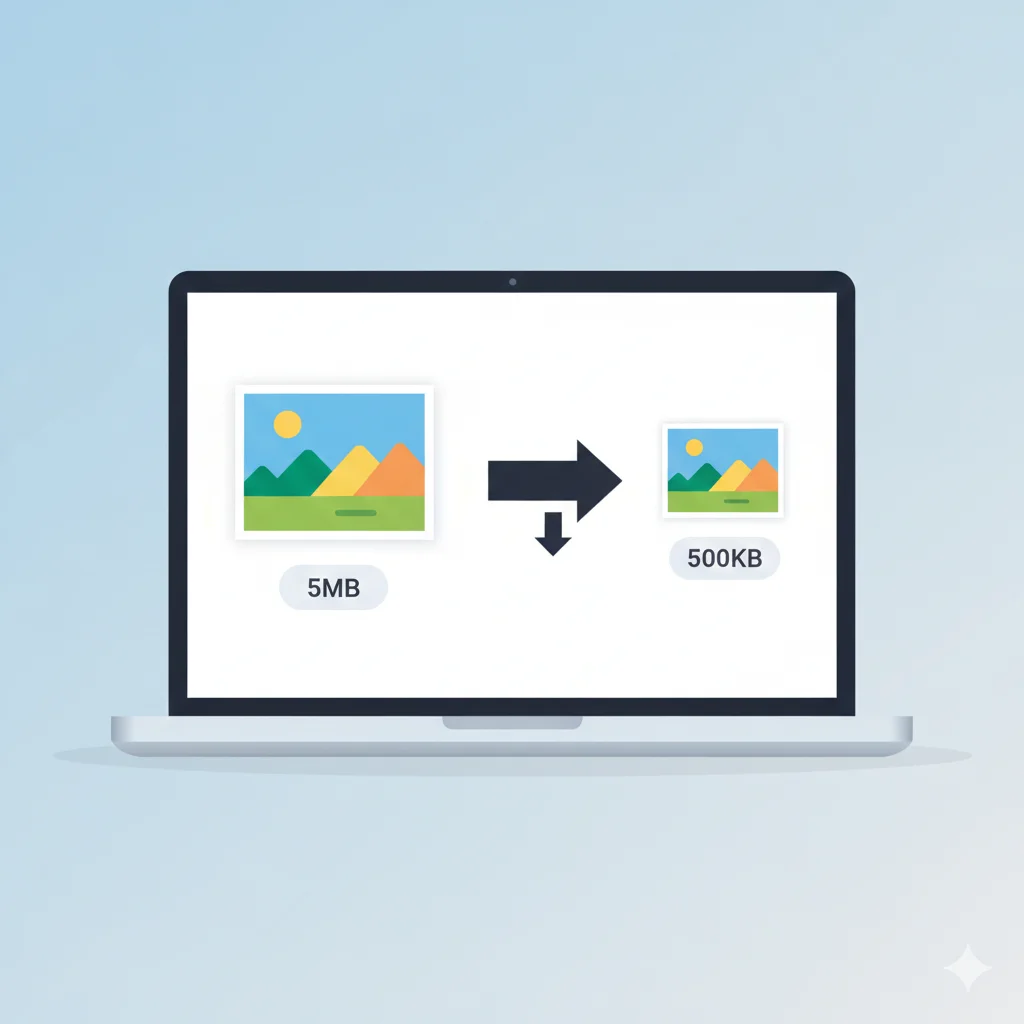
One of the most common reasons government exam applications get rejected is incorrect photo or signature file size. Whether you're applying for SSC, UPSC, Railway, Banking, Passport, or Scholarship portals, each has specific requirements. This comprehensive guide covers everything you need to know about compressing images to 50KB, 100KB, and 200KB for different government forms.
Quick Reference: Photo & Signature Size Requirements
| Exam/Portal | Photo Size | Signature Size | Dimensions | Tool |
|---|---|---|---|---|
| SSC (CGL, CHSL, MTS) | 20KB–50KB | 10KB–20KB | 200×230px | 50KB Tool |
| Railway (RRB) | 20KB–50KB | 10KB–20KB | 3.5×4.5cm | 50KB Tool |
| IBPS / SBI | 20KB–50KB | 10KB–20KB | 200×230px | 50KB Tool |
| Scholarship Portals | 50KB–200KB | 20KB–50KB | Varies by state | 100KB Tool |
| Passport Seva | Up to 200KB | Up to 200KB | 2×2 inch | 200KB Tool |
| UPSC | Up to 300KB | Up to 300KB | Portal-specified | 200KB Tool |
Why Government Portals Have Strict File Size Limits
Government recruitment portals process lakhs of applications within a short timeframe. Strict file size limits ensure:
- Faster uploads — Especially important for users with slow internet connections
- Server stability — Prevents overload during peak application periods
- Storage optimization — Millions of applications require efficient storage
- Consistent processing — Uniform file sizes enable faster validation
Understanding Image Dimensions vs File Size
These are two separate requirements that portals check independently:
- Dimensions (pixels or cm) — The physical size and resolution of your photo (e.g., 200×230 pixels)
- File size (KB) — How much data the image contains after compression
A photo can have correct dimensions but fail the size check if saved at high quality. Similarly, a small file can have wrong dimensions. Always fix dimensions first using a resize tool, then compress to the target size.
How to Compress Images to 50KB (SSC, Railway, Banking)
Most SSC, Railway, and Banking exams require photos between 20KB–50KB and signatures between 10KB–20KB. Here's how to achieve these sizes:
Step 1: Crop and Resize
- Open the Crop Image tool and remove excess background
- Use the Resize Image tool to set exact dimensions (e.g., 200×230px)
- Maintain aspect ratio to avoid distortion
Step 2: Convert to JPG (if needed)
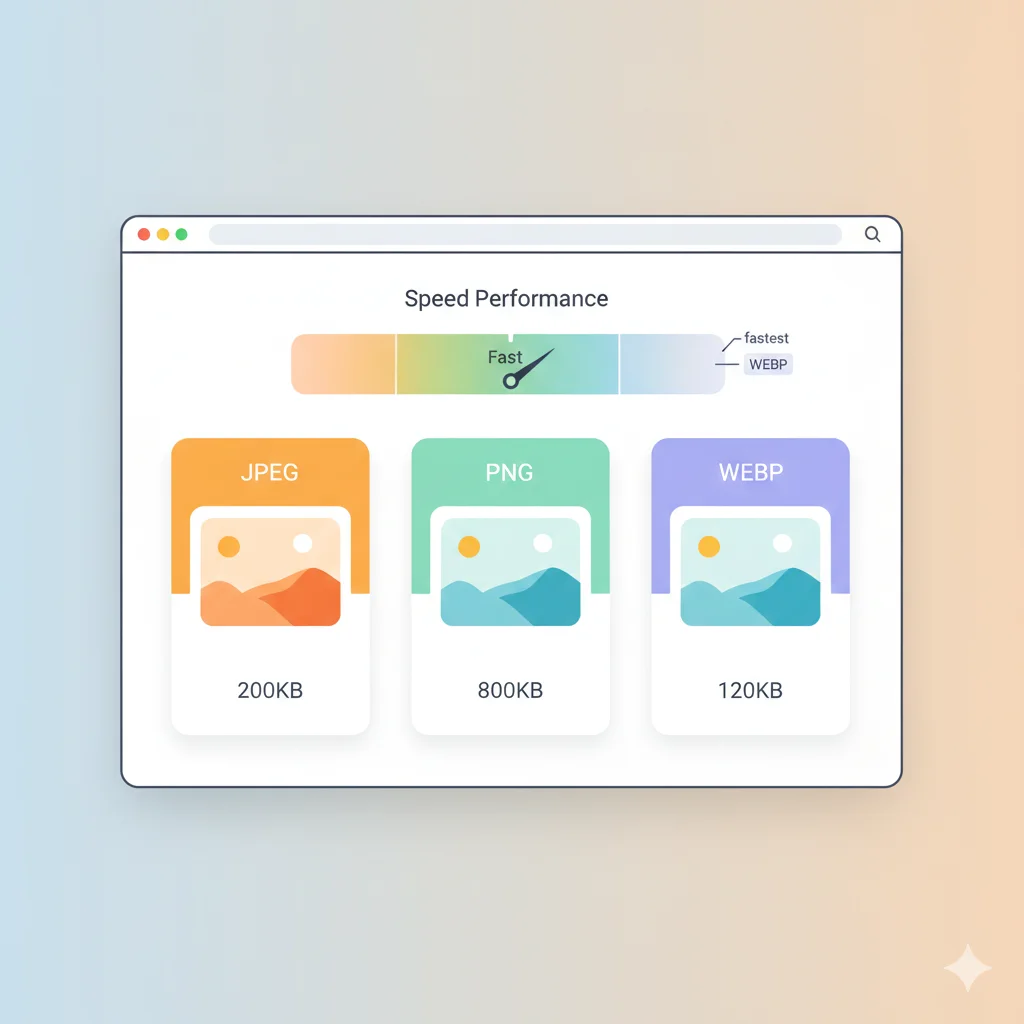
Government portals almost universally accept JPG/JPEG only. If your image is PNG, use the PNG to JPG converter first. PNG files are 3–5x larger than JPG at the same dimensions.
Step 3: Compress to 50KB
- Open the Compress Image to 50KB tool
- Upload your resized JPG image
- The tool automatically finds the best quality that fits under 50KB
- Download your compressed image
How to Compress Images to 100KB (Scholarships, University Admissions)
Scholarship portals and university admissions often require photos between 50KB–200KB, with 100KB being a common sweet spot. Follow these steps:
Step 1: Prepare Your Image
- Use a recent passport-style photo with plain background
- Crop tightly to remove unnecessary background space
- Check the portal's specific dimension requirements
Step 2: Resize to Required Dimensions
- Open the Resize Image tool
- Enter the exact dimensions specified in the portal
- Keep aspect ratio locked for proper proportions
Step 3: Compress to 100KB
- Open the Compress Image to 100KB tool
- Upload your image
- Download the optimized file
How to Compress Images to 200KB (UPSC, Passport, Visa)
UPSC, Passport Seva, and many visa applications allow larger files up to 200KB or 300KB. This gives more room for quality while still meeting portal requirements.
Step 1: Use High-Quality Source
- Start with the highest resolution photo possible
- Ensure even lighting and plain background
- Follow specific portal guidelines (e.g., 2×2 inch for passport)
Step 2: Crop and Resize
- Use Crop Image to remove excess space
- Use Resize Image to meet dimension requirements
Step 3: Compress to 200KB
- Open the Compress Image to 200KB tool
- Upload your prepared image
- Download the compressed version
JPG vs PNG: Which Format Should You Use?
| Feature | JPG/JPEG | PNG |
|---|---|---|
| File Size | Small (ideal for portals) | Large (3-5x bigger) |
| Compression | Lossy (good for photos) | Lossless (keeps all detail) |
| Portal Acceptance | ✅ Universally accepted | ⚠️ Sometimes rejected |
| Best For | Photos, scanned documents | Graphics, logos, transparent images |
Recommendation: Always use JPG/JPEG for government form uploads. It's universally accepted and compresses much better for photographic content.
Common Upload Errors and Solutions
| Error Message | Likely Cause | Solution |
|---|---|---|
| "File size exceeds limit" | Image saved at too high quality | Use target-size compression tool |
| "Invalid dimensions" | Photo not cropped to specification | Crop and resize to exact pixels |
| "Unsupported file format" | Uploaded PNG, HEIC, or WebP | Convert to JPG using PNG to JPG |
| Photo appears blurry | Over-compressed or low resolution | Start with higher quality original, compress less aggressively |
Best Practices for Government Form Photo Uploads
- Use a recent photo (taken within the last 3–6 months)
- Photograph against a plain white or light-colored background
- Ensure even lighting without shadows
- Check both dimensions and file size requirements before uploading
- Crop tightly to remove unnecessary background
- Compress the original file only once — recompressing degrades quality
- Always verify the uploaded image looks clear in the preview
Quick Tool Reference
| Target Size | Best For | Tool Link |
|---|---|---|
| 20KB | Strict portals, signatures | Compress to 20KB |
| 50KB | SSC, Railway, Banking | Compress to 50KB |
| 100KB | Scholarships, University Admissions | Compress to 100KB |
| 200KB | UPSC, Passport, Visa | Compress to 200KB |
Frequently Asked Questions
What's the difference between 50KB, 100KB, and 200KB limits?
50KB is common for SSC, Railway, and Banking exams where file sizes need to be very small. 100KB is typical for scholarship portals and university admissions. 200KB is used for UPSC, Passport Seva, and visa applications where higher quality is acceptable.
Can I use the same photo for all government exams?
Yes, you can use the same original photo, but you'll need to resize and compress it separately for each portal's specific dimension and size requirements.
Why does my signature need a smaller file size than my photo?
Signatures are simple black-and-white line drawings with much less visual detail than photographs. Portals expect them to compress to 10–20KB, which is significantly smaller than photo requirements.
What format should I use for government form uploads?
Always use JPG/JPEG format. It's universally accepted by government portals and compresses more efficiently than PNG.
How do I check if my image meets the requirements before uploading?
After compressing, right-click the file and select Properties (Windows) or Get Info (Mac) to check the file size. Open the image to verify dimensions and quality. Most portals also show a preview before final submission.
Related Tools
- Compress Image to 20KB
- Compress Image to 50KB
- Compress Image to 100KB
- Compress Image to 200KB
- Compress Image (General)
- Resize Image
- Crop Image
- PNG to JPG Converter
Conclusion
Preparing photos and signatures for government forms doesn't have to be complicated. Whether you need 50KB for SSC, 100KB for scholarships, or 200KB for UPSC, the process is the same: crop, resize to correct dimensions, convert to JPG if needed, and compress to the target size. Use the appropriate tool for your portal, and your upload should go through on the first try.