Photo Size for Govt Forms India — SSC, UPSC, Railway
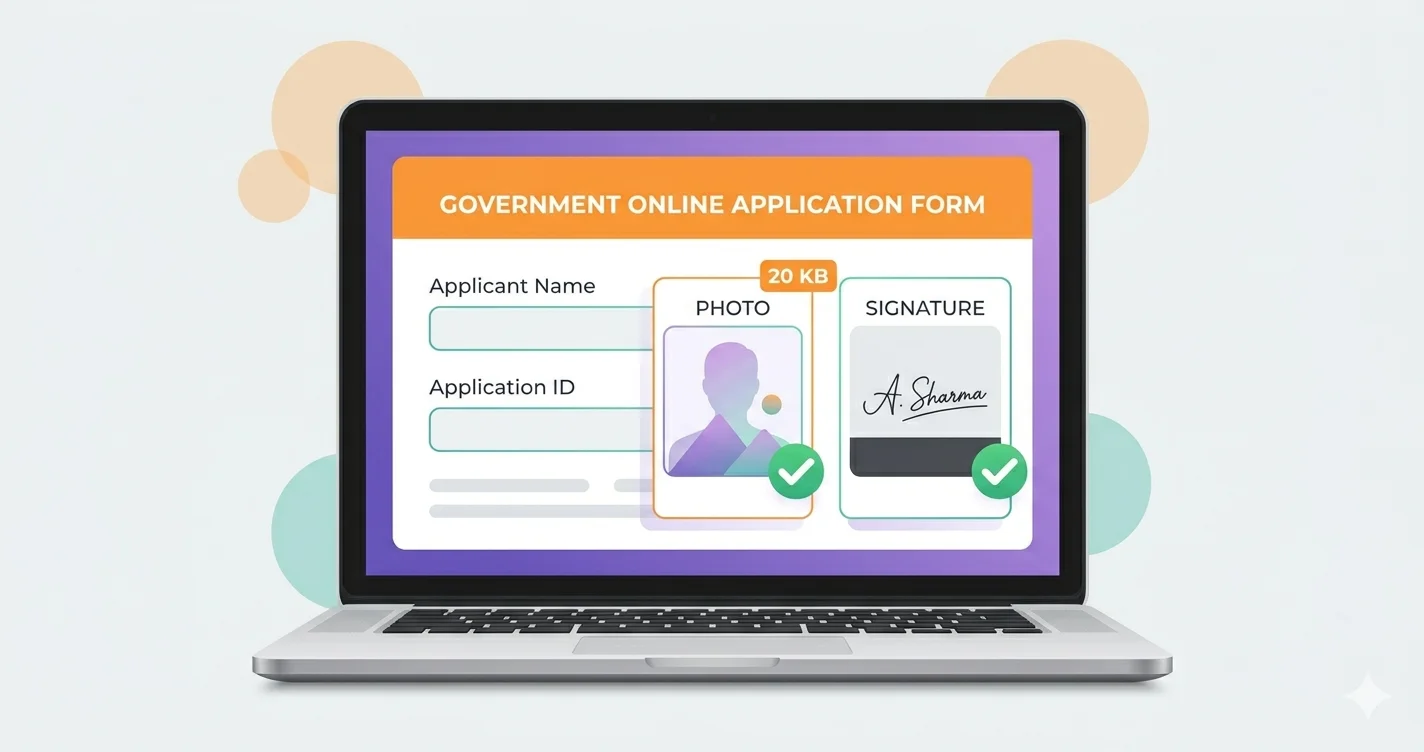
Every Indian government job portal has slightly different photo and signature upload requirements. Getting them wrong means your application gets rejected — sometimes without any explanation. This guide lists the exact requirements for the most common portals and shows you how to meet them using free tools, with no software installation needed.
Why Government Portals Are So Strict About Image Size
Central and state government portals process millions of applications. Their servers have limited capacity, and their software was often built years ago with strict file size validation. An image even 1KB over the limit will be rejected. Common reasons for rejection include:
- File size too large (most common error)
- Wrong file format (portal accepts JPG only, not PNG)
- Image dimensions outside the allowed range
- Signature image too large or too small
SSC (Staff Selection Commission) Photo Requirements
| Document | Format | File Size | Dimensions |
|---|---|---|---|
| Photograph | JPG | 20KB – 50KB | 200 × 230 px (recommended) |
| Signature | JPG | 10KB – 20KB | 140 × 60 px (recommended) |
Tool to use: Compress to 20KB or Compress to 50KB depending on which SSC exam portal you're applying through — requirements vary slightly by exam.
UPSC (Union Public Service Commission) Photo Requirements
| Document | Format | File Size | Dimensions |
|---|---|---|---|
| Photograph | JPG | Up to 300KB | Min 200 × 230 px |
| Signature | JPG | Up to 300KB | Min 140 × 60 px |
UPSC has a relatively generous 300KB limit, but your smartphone photo will still be too large. Use Compress to 200KB to stay well within the limit with good quality.
Railway Recruitment Board (RRB) Photo Requirements
| Document | Format | File Size | Notes |
|---|---|---|---|
| Photograph | JPG | 20KB – 50KB | White background, recent photo |
| Signature | JPG | 10KB – 40KB | Black ink on white paper |
Banking Exams (IBPS, SBI PO) Photo Requirements
| Document | Format | File Size | Dimensions |
|---|---|---|---|
| Photograph | JPG | 20KB – 50KB | 200 × 230 px |
| Signature | JPG | 10KB – 20KB | 140 × 60 px |
| Left Thumb Impression | JPG | 20KB – 50KB | 240 × 240 px |
How to Compress Your Photo for Government Forms — Step by Step
Step 1 — Convert PNG to JPG if needed
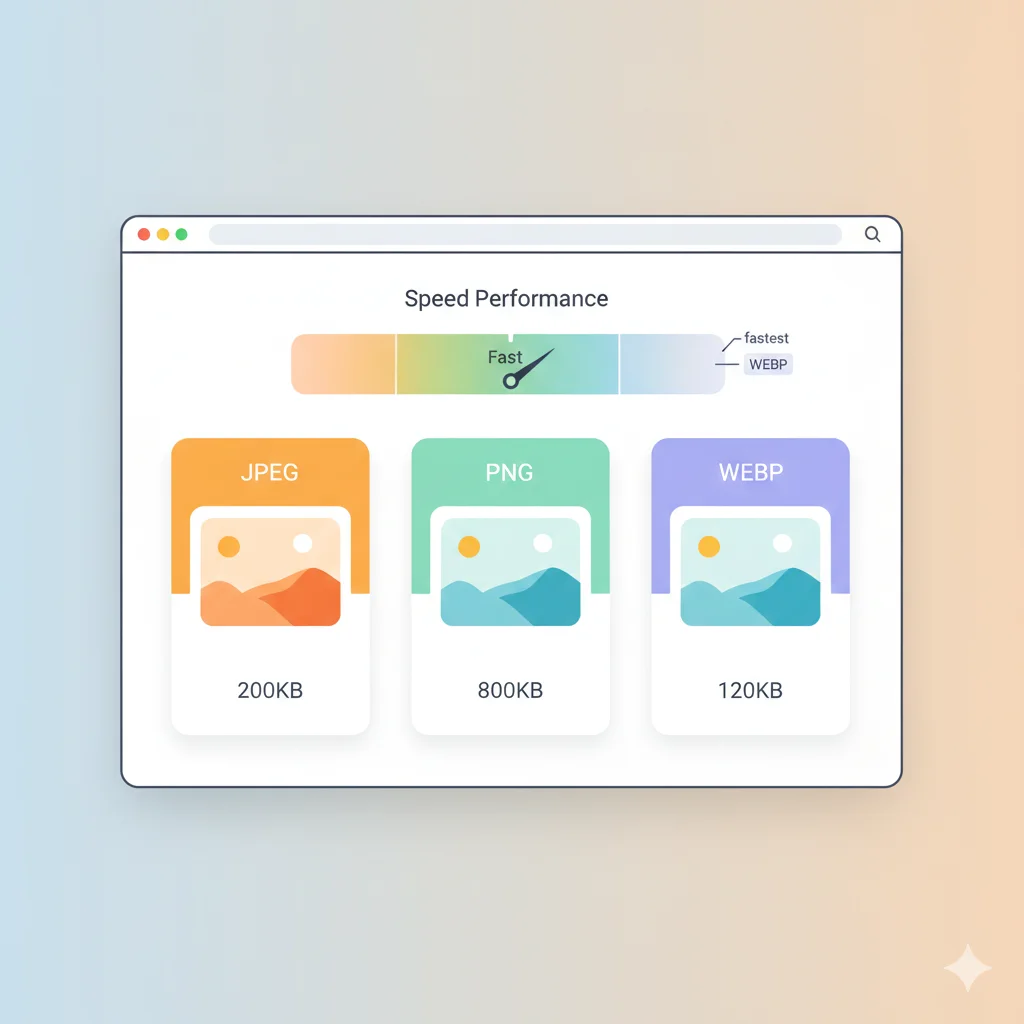
Almost all government portals accept JPG only. If your photo is a PNG (common if screenshotted or exported from a design app), convert it first:
- Open PNG to JPG Converter
- Upload your PNG photo
- Download the JPG version
Step 2 — Resize to Required Dimensions
- Open Resize Image Free
- Upload your photo
- Enter the required width and height (e.g. 200 × 230 for SSC)
- Download the resized image
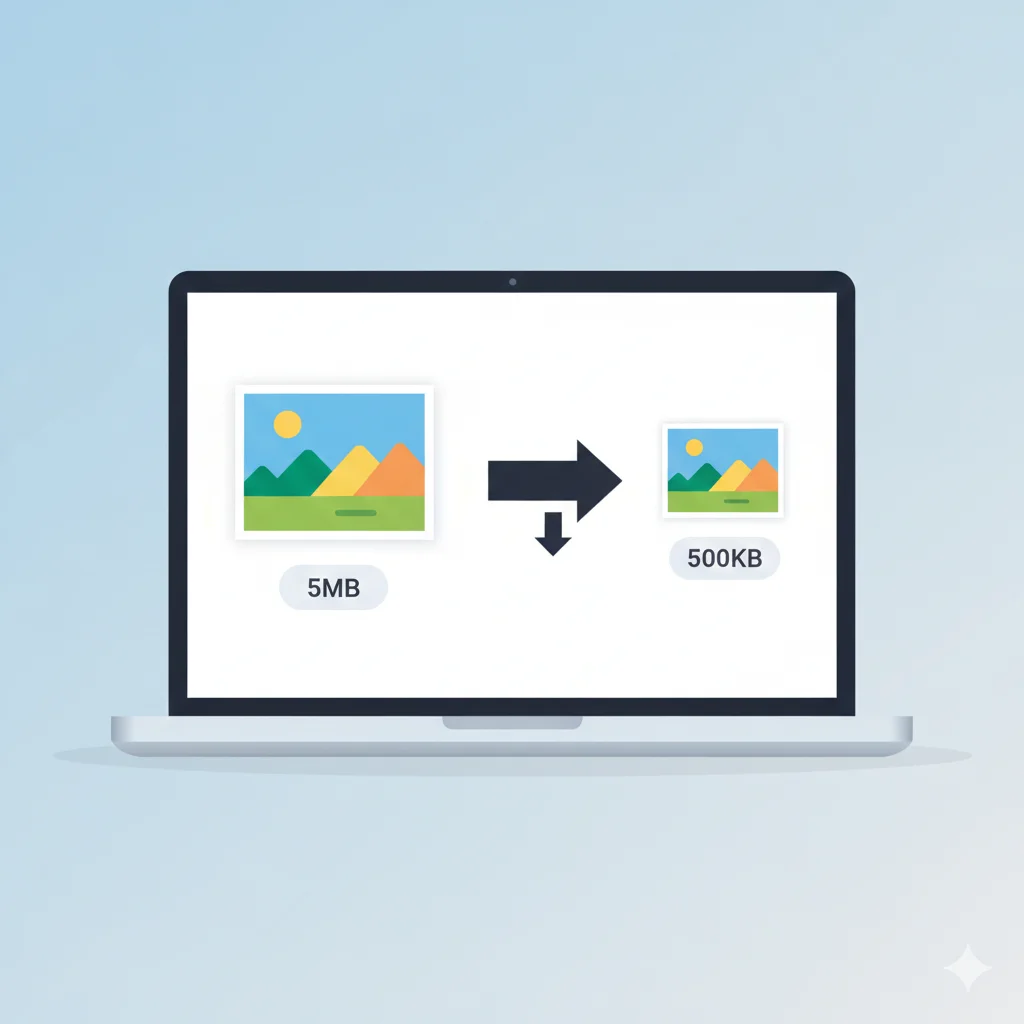
Step 3 — Compress to the Required File Size
Choose the right target based on the portal's limit:
- Compress to 20KB — SSC, RRB strict portals
- Compress to 50KB — Most government and banking forms
- Compress to 100KB — General uploads, university forms
- Compress to 200KB — UPSC, less strict portals
Quick Reference — Which Tool to Use
| Portal | Photo Limit | Tool to Use |
|---|---|---|
| SSC CGL / CHSL | 20KB – 50KB | Compress to 20KB |
| UPSC IAS / IPS | Up to 300KB | Compress to 200KB |
| RRB NTPC / Group D | 20KB – 50KB | Compress to 50KB |
| IBPS PO / Clerk | 20KB – 50KB | Compress to 50KB |
| SBI PO / Clerk | 20KB – 50KB | Compress to 50KB |
| University Admissions | 50KB – 200KB | Compress to 100KB |
Conclusion
Government portal image rejections are almost always avoidable. Check the exact file size and format requirement before you start, convert to JPG if needed, resize to the correct dimensions, and use a target-size compressor to hit the exact limit. All of this takes under 2 minutes and requires no software installation.