
Loading...
Loading...
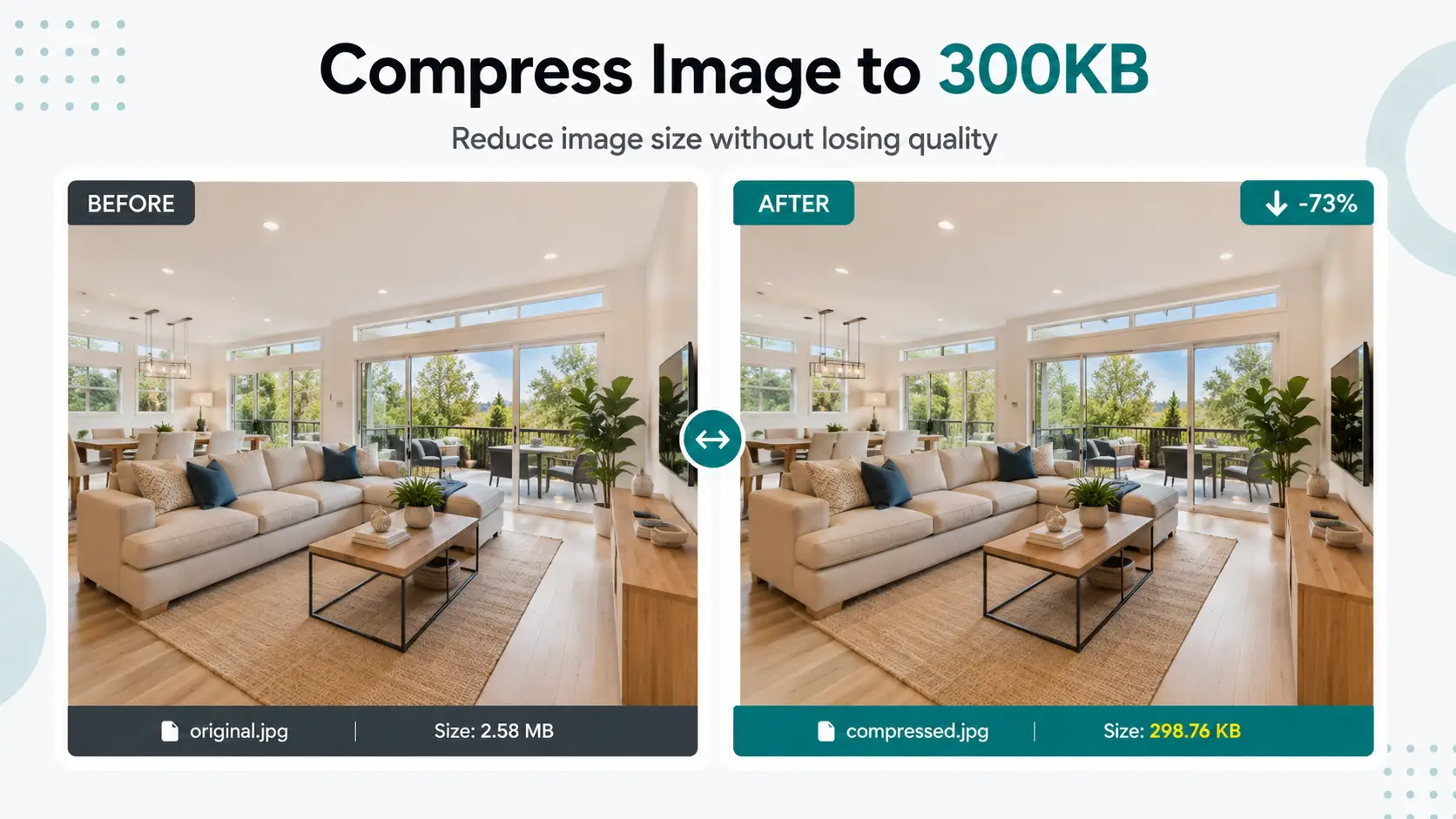
Compress JPG, JPEG, PNG and WebP images and photos to 300KB or less. Automatic target-size compression, fast browser-based processing, no signup and no server upload required.
Compression starts automatically after upload
Rate this tool
4.5 average · 2 ratings
WebAuzar lets you reduce a supported image to a 300KB target directly in your browser. This is useful when a form, application or website specifies a maximum image file size.
Upload your original image and the 300KB target is already configured for this page. Compression starts automatically using the current settings. If you change the output format or another available setting, the result is regenerated for the new options.
If your original image is already below 300KB, you normally do not need to make it larger. Always check the receiving website for its exact maximum or required size, accepted format and image dimensions.
Need a different target? Use the general image compressor or choose another target-size page below.
Check the exact photo size requirements for SSC, UPSC and Railway forms in our complete government form image size guide.
How it works
The target is already configured for this page, so you do not need to enter the KB value manually. Add your image and review the generated result before downloading.
Select a supported image from your phone, tablet or computer.
This page starts with a 300KB target. The compressor automatically processes the image toward the selected limit using its target-size workflow.
Process the image and download the result. Check the final file before submitting it to another website.
Target settings
This dedicated page opens the compressor with a 300KB target already selected. The tool processes each uploaded image in the browser and aims to keep the resulting file at or below the target ceiling. Very small targets can require stronger compression or smaller dimensions depending on the source image.
Add a supported image and the current target settings are applied automatically. You do not need to repeatedly guess a quality percentage to reach the selected file-size limit.
A 300KB limit controls file size, not the required pixel width or height. If the receiving portal specifies dimensions as well, verify those requirements separately or use the Resize Image tool before the final upload.
When you need another target, it is generally better to work from the original file rather than repeatedly recompressing an already compressed result. This gives the compressor more original image information to work with.
Supported formats
The compressor accepts the supported image formats below. The appropriate output depends on the image and the requirements of the receiving website or application.
| Format | Best for | Notes |
|---|---|---|
| JPG / JPEG | Photos, camera images and everyday web images | A common choice for photographs because it can produce relatively small files. |
| PNG | Logos, screenshots, graphics and transparency | PNG is lossless, so strict KB targets may require smaller dimensions or another output format. |
| WebP | Websites and modern web content | WebP supports photographic and graphic images and can also support transparency. |
| GIF | Simple animated or non-animated GIF images | The result depends on the image content and selected output workflow. |
| BMP | Bitmap images | BMP files are often larger than web-friendly formats, so conversion can help reduce file size. |
| AVIF | Modern web images where AVIF is supported | AVIF is a modern image format designed for efficient image delivery. |
Specific file size
If your form or website specifies another maximum image size, open the matching dedicated page instead of changing the target manually.
For government, recruitment or education forms, check the official instructions for the required file type, maximum file size and image dimensions before uploading.
Use cases
Reduce a photo or scanned image when an application form has a maximum file-size limit.
Prepare photos and other images for application portals. Always follow the exact size, dimensions and format rules in the official notification.
Make profile photos or scanned documents smaller before uploading them to recruitment and application portals.
Reduce image file size before publishing photos, graphics and other visual content on a website.
Create smaller image files that are easier to attach, store and share.
Reduce large photos before uploading or sharing them when a smaller file is more convenient.
File size is only one part of an upload requirement. Check the receiving website before submitting the compressed image.
WebAuzar performs image compression in the browser. The selected images do not need to be uploaded to a WebAuzar server for the compression process.
This makes the tool convenient when you need to reduce an image directly from a phone, tablet or desktop browser.
Learn more
Compared to a typical 3-8MB camera original, 300KB is still a major reduction, but the visual quality loss is minimal — fine enough for real estate listings and marketing materials where buyers zoom in to check detail.
Architectural detail and lighting nuance — the things that actually sell a property listing or a portfolio piece — hold up well at 300KB. This is usually the size where compression stops being the limiting factor and your original photo's resolution starts to matter more.
If your listing platform or MLS site has its own upload limit lower than 300KB, don't rely on the platform to re-compress your file — it may do so more aggressively than you'd like. Compress to their stated limit directly using our other size tools instead.
Use these tools when compression is only one part of the image task.
Common questions about compressing images to 300KB.
Yes — 300KB keeps architectural detail and lighting nuance visible, which matters for property listings, while still loading fast on MLS and listing-site galleries.
In most cases yes — 300KB retains enough detail that moderate zooming doesn't reveal obvious compression artifacts. For extreme close-up detail shots, consider 500KB instead.
300KB is a good default for marketing and ad-creative images where visual quality matters but page speed still counts. For social media ads specifically, smaller targets like 150-200KB often load faster in-feed.
Yes. PNG images are compressed by resizing dimensions when needed because PNG uses lossless compression. JPG and WebP images use quality adjustment for more accurate file size control.
Yes. All compression happens directly in your browser. Your files are never uploaded to our servers, ensuring complete privacy and security.
If your image is already below 300KB, it will remain unchanged and no unnecessary compression will be applied.
Yes. Upload multiple images and compress them together. Each image is processed individually and can be downloaded separately or as a ZIP archive.
The compressor supports JPG, JPEG, PNG, WebP, GIF, BMP and AVIF input images. Available output options depend on the compression workflow and the selected settings.
Yes. The compressor works on Android phones, iPhones, tablets, laptops and desktop computers using any modern web browser.
No. Everything works directly inside your browser. No software installation or plugins are required.
For JPG and WebP images, dimensions usually remain the same. PNG images may be resized if necessary to reach the requested file size.
Yes. Since processing happens locally in your browser, the tool can continue working after the page loads even if your internet connection is interrupted.